
Dynamic Workflow™ Form Software
Create endless amount of forms that trigger adaptable sequences with Dynamic Workflow™.
Request Demo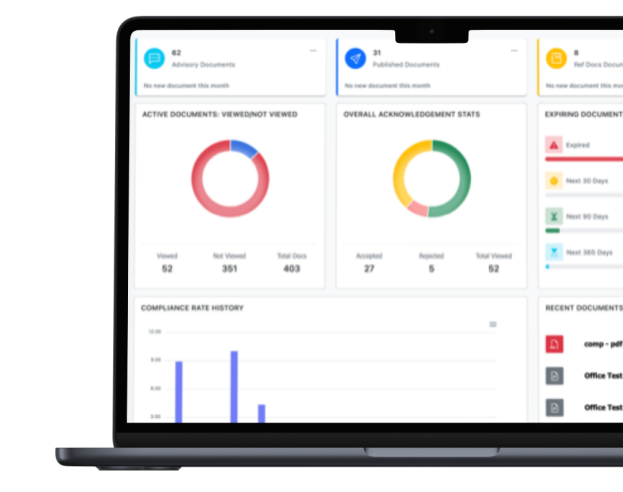
Gathering Operational Information is an Every Day Challenge for All Organizations.
Every organization needs forms to save time and ensure consistent performance, streamlining tasks for a more organized and productive environment. Are you still creating forms manually? Is this you?
-
![Feature Image]()
You need to improve sending and gathering information that management needs to operate.
-
![Feature Image]()
You need workflow automation tools to get forms approved by departments and stakeholders faster.
-
![Feature Image]()
You need to communicate changes across your organization or require employees to provide information.


Simplify Governance with Easy Form Creation, Approval, and Management
-
![Icon]()
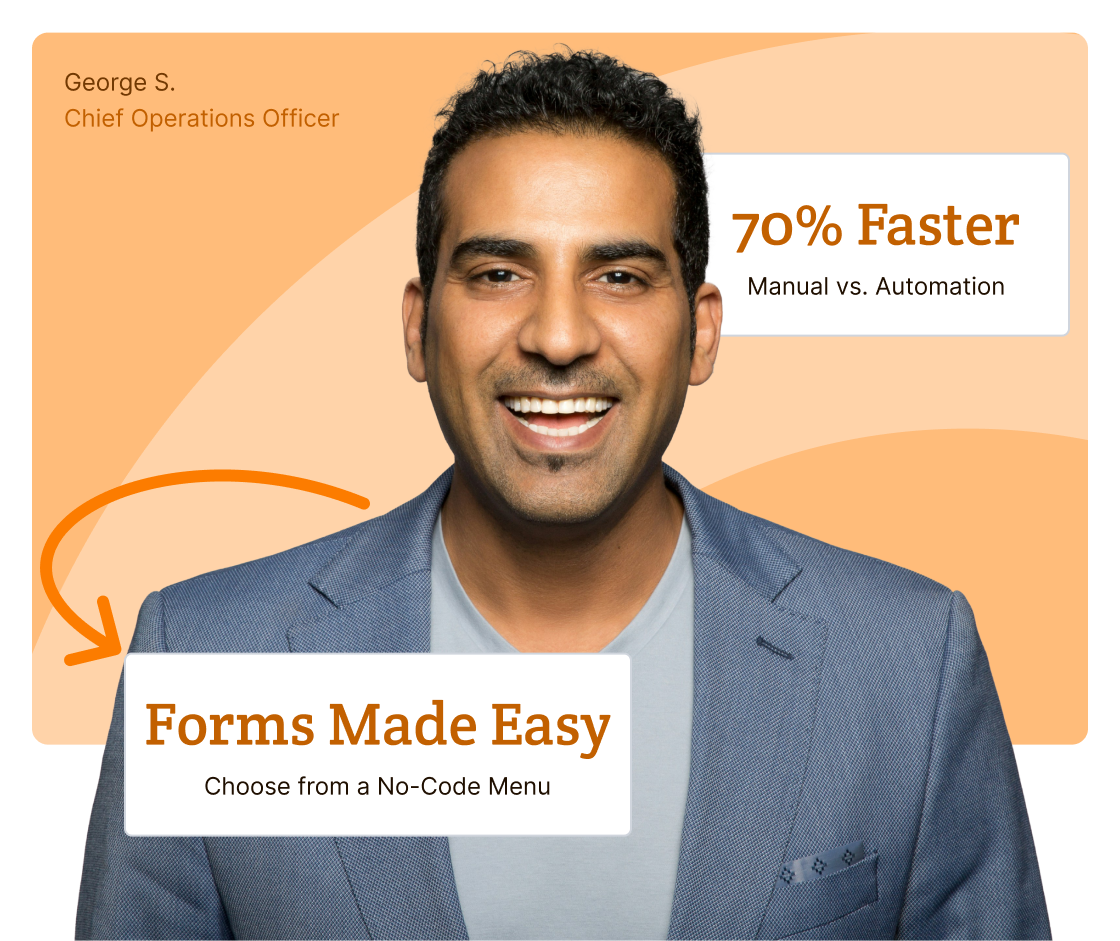
Create endless forms with No Coding required. Simply select various formats, styles, fonts, and question types from a menu.
-
![Icon]()
Easily Revise to Suit Your Needs. Customize form format and content styles to fit your industry, location, and organization brand.
-
![Icon]()
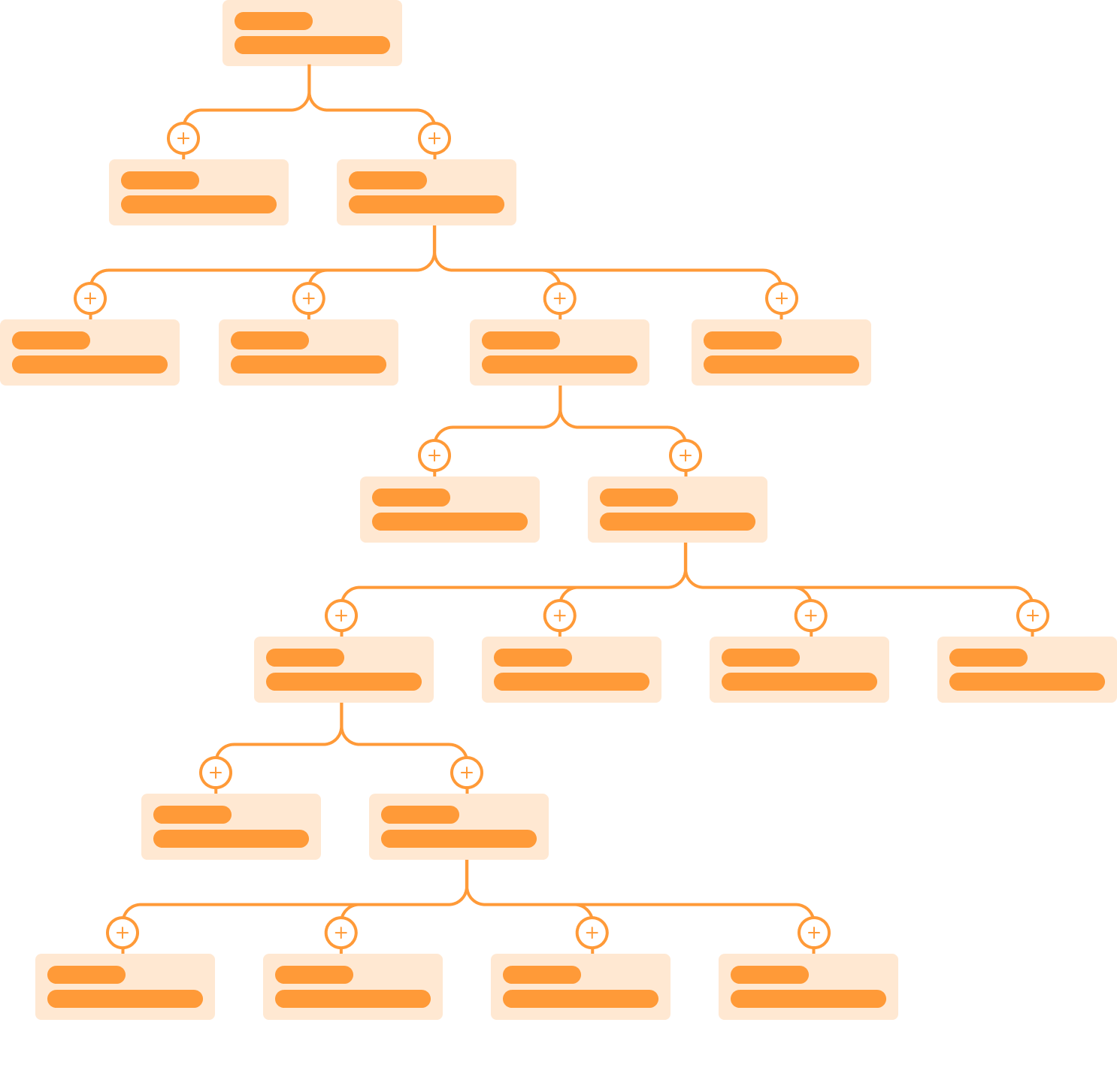
Adaptable Workflows Save Time. Create a workflow for one group, Save, Copy, and Edit to create a workflow for another group.<span
-
![Icon]()
Make Project Approval Quicker. Automate notifications and reminders to review, revise and approve to enhance collaboration.

Improve Operational & Resource Efficiency
-
![Icon]()
Assign Project Actions Easily. Assign actions using intelligent workflows and receive automatic notifications back to you.
-
![Icon]()
Get Project Information and Individuals to Take Actions Quicker. Automate notifications and reminders to move your process along.
-
![Icon]()
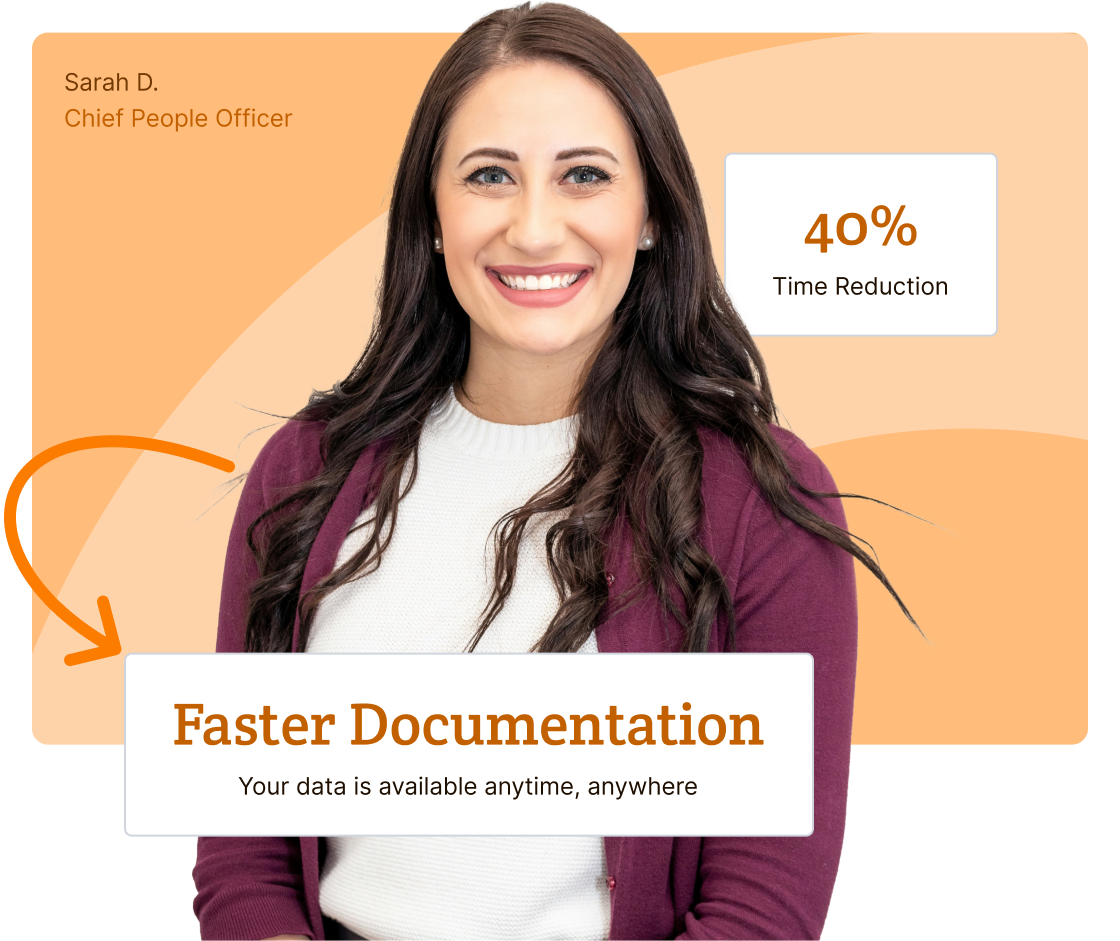
Get Detailed Info/Descriptions Faster. Questions with text answers allow you to get detailed info and define your next actions/decisions.
-
![Icon]()
Audit Proof. No event, user, action, data or form is ever deleted in your own database Document Management System (DMS).
Simplify Creating Forms With Adaptive Workflows to Gather Information
-
Simplified automation with comprehensive features are designed to speed up your processes and ensure compliance at every stage.
![Feature Icon]()
-
Our customizable workflows help you create, copy, edit, update, and save processes for various groups, departments, and locations.
![Feature Icon]()
-
Our 1:1 dedicated support helps set-up workflows, organize database sections, and available to help you navigate the entire process.
![Feature Icon]()
-
You get your own database with top-tier, multi-layered cyber security with regular penetration testing and daily backups on U.S. servers.
![Feature Icon]()


Dynamic Workflow™ Form Software: No matter your industry, build detailed forms that save time and resources.

Human Resources
Employment Application, New Employee Onboarding, Annual Review, Paid Time Off, Contractor Contracts, Employee Surveys, Supplies/Equipment Requests, and more.

IT
IT Service Request, Remote Access Issues, IT Asset Management, Email Issues, Hardware/Software Requests, Support Satisfaction Surveys, and more.

Operations
Contracts, Maintenance Requests, Activity Logs, Safety Checklists, Training Checklists, Asset Management, Permit Requests, Emergency Checklists, and more.

Healthcare
HIPPA Compliance Forms, New Patient Intake, Insurance Liability Waivers, Medical Record Requests, Medication Lists, Procedural Checklists, Medical Transfers, and more.

Higher Ed
Student Applications, Student Registration Forms, Class Schedules, Permission Slips, Online Tests, Homework Assignment Forms, Teacher Surveys, and more.

Business Services
Contracts, Work Requests, Project Approval, Project Checklists, Customer Feedback, Work Shift Forms, Equipment Checklists, Asset Management, and more.

Non-Profits
Donation Forms, Volunteer Sign-Ups, Charity Event Checklists, Post Event Surveys, Federal 501C Forms, County/City Charity Event Authorizations, Surveys and more.

Government/State/County Services
Contracts, Authorization Forms, Legal Agreements, Federal/State/County Regulation Forms, Emergency Checklists, Performance Surveys, and more.

Financial Services
SEC Compliance Forms, Tax Forms, New Client Intake, Insurance Apps, Account Applications, Credit Apps, Procedural Checklists, Money Transfers, and more.
Every Subscription Includes

Dedicated 1:1 Support
From day one, a dedicated, experienced Client Success Manager will be "hands-on" to assist you. Enjoy online training, one-on-one, or group sessions.
Onboarding Tailored to You
We personalize and brand applications, set up a dedicated database, distribution groups, and build automated adaptable workflows for your processes.
Top-Tier Cyber Security
You’ll get your own database with top-tier, multi-layered cyber security with regular penetration testing and daily backups on state-of-the-art U.S. servers.
Additional Services
If you have unique requirements, our development resources are on standby to help scope the work to your specific needs, plan out a detailed implementation timetable, and then work with you to customize your products.

Database & SSO
Enable SSO authentication and sync data from Active Directory and many others to your own dedicated database.

Branded Public Portals
Develop and design a public site that has your logo and same branded "tone, look and feel" of your organization.

Custom Dashboards
Create a variety of customized data reporting graphics to help you make quicker and better decisions.

Project Management
Our CSM's will help you set-up, but they can also do ad hoc services such as batch importing and document organization.
We Wrote the Book on Compliance Software.
Let Us Write Your Chapter.
See our product in action with your own 1:1 demo. Let us know what is most important to your organization, and we’ll tailor the demo to your exact needs.


Get Access to Over 100's Chapters in Our GRC Management Book
Gain instant access to our collection of articles. Tailored for diverse needs, these articles are your go-to resource for all phases of GRC management. Get started by providing your information below.
Let’s Write Your Next Chapter

How Good Policy Underpins Great Workplace Culture
Whether it was established on purpose or by default, every workplace comes with a workplace culture. No two organizations will…
Read More
How Effective Policy Implementation Increases Employee Engagement
How a policy reaches people shapes what happens next. A policy that arrives without context, explanation, or follow-up tends to…
Read More
Best Practices for Higher Education Policy and Procedure Management
There are over 4,000 institutions of higher learning in the United States, and probably just as many different approaches to…
Read More
Why Policy and Procedure Compliance Matters
Most organizations have a policy and procedure for pretty much everything. Harassment. Data security. Time off. Expense reporting. The list…
Read More
ComplianceBridge Expands Platform Into Full GRC Management Suite
STATELINE, NEVADA — May 21, 2026 — ComplianceBridge®, a leader in cloud-based policy management and compliance software, is excited to…
Read More
How Conflict of Interest Disclosure Software Speeds Up the Process
Conflict of interest disclosure is an absolutely critical risk mitigation process for all organizations, corporations, and institutions. Unfortunately, COI disclosure…
Read More
ComplianceBridge Announces Policy Management Release 5.0
STATELINE, NEVADA — APRIL 29, 2026 — ComplianceBridge®, a leader in cloud-based policy management and risk assessment products, is excited…
Read More
How to Standardize Management Policies and Procedures Across Departments
A company operates much like a living organism—made up of many interconnected systems all aligned with a central mission. Finance,…
Read More
Implementing Effective COI Training in the Workplace
Even when you and your employees have the best of intentions, conflicts of interest (COI) can fester in your workplace…
Read More
Why Email Isn’t Enough: The Case for Policy Acceptance Software
One of the biggest hurdles in the lifecycle of a new business policy is the process of effectively communicating that…
Read MoreFrequently Asked Questions
- How do you automate compliance workflows?
To automate compliance workflows, you need a system that can standardize processes, route tasks automatically, and document every step without relying on manual follow-up.
Automation starts by mapping your compliance activities, such as incident reporting, risk assessments, corrective actions, or conflict of interest disclosures, into structured digital forms. From there, dynamic workflows can be configured to trigger actions based on responses. For example, a high-risk submission can automatically escalate to leadership, assign review deadlines, or require additional approvals before closing.
ComplianceBridge’s Dynamic Workflow Form Software allows organizations to build no-code, configurable workflows that adapt to their internal processes. By automating routing, notifications, approvals, and documentation, organizations reduce bottlenecks, improve accountability, and strengthen audit readiness without increasing administrative burden.
- How do you create electronic forms that integrate into compliance workflows?
To create electronic forms that integrate into compliance workflows, you need more than a basic digital form builder. The form must be connected to routing rules, approval paths, and documentation processes that activate automatically once it’s submitted.
With ComplianceBridge’s Dynamic Workflow Software, organizations can build no-code electronic forms that adapt based on user responses and trigger defined next steps. For example, a submitted disclosure can automatically route to the appropriate reviewer, assign deadlines, require additional documentation, or escalate based on risk level.
Instead of collecting information and manually coordinating follow-up, the form becomes the starting point of an automated compliance process. This integration ensures consistency, reduces administrative burden, and maintains a complete audit trail, strengthening oversight across the organization.
- What is the best workflow management software for maintaining compliance?
The best workflow management software for maintaining compliance is the one that creates clear, consistent processes without adding extra steps for employees. It should allow teams to build structured forms, set required fields, and route tasks automatically so every submission follows the same path. When workflows are predictable and documented from start to finish, compliance becomes easier to manage and far less dependent on manual oversight.
Compliance also depends on reliable records. Strong workflow platforms capture who completed each step, when it happened, and what decisions were made, giving leadership the visibility needed to verify that procedures are followed correctly. This creates dependable audit trails and reduces the chance of missing an approval, skipping a requirement, or losing important documentation.
ComplianceBridge brings these elements together by centralizing forms, routing rules, and approval history in one place. With everything organized inside a single system, organizations gain consistent execution, stronger accountability, and the ability to demonstrate compliance whenever it’s required.