
Conflict of Interest Software
Simplify Conflict of Interest Audits: Robust Automation, Advanced Features Customizable to You
Request Demo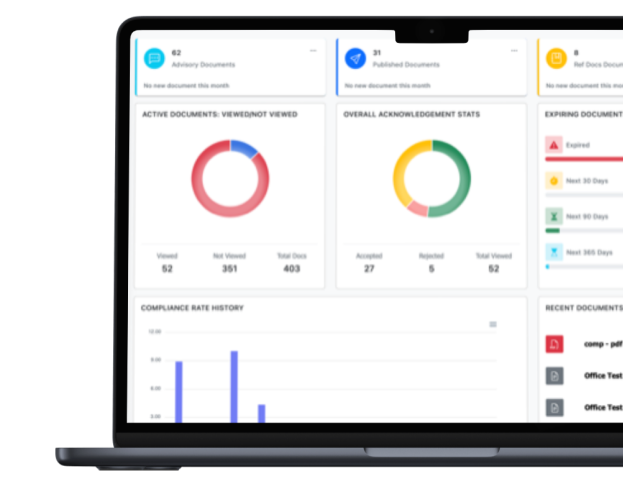
Conduct Better and More COI Audits Quicker
Replace your spreadsheets with automated Conflict of Interest Software, saving you significant time and resources. Is this you?
-
![Feature Image]()
Do you spend countless hours reviewing COI audits for potential issues using spreadsheets?
-
![Feature Image]()
Have you missed identifying conflicts in the past and faced consequences?
-
![Feature Image]()
Are you absolutely certain your COI audit processes and data will stand up to a regulatory or compliance audit?


Comprehensive Conflict of Interest Software Tailored to You
-
![Icon]()
We Tailor Automation To You. Workflows and comprehensive features are customized to your way of doing business.
-
![Icon]()
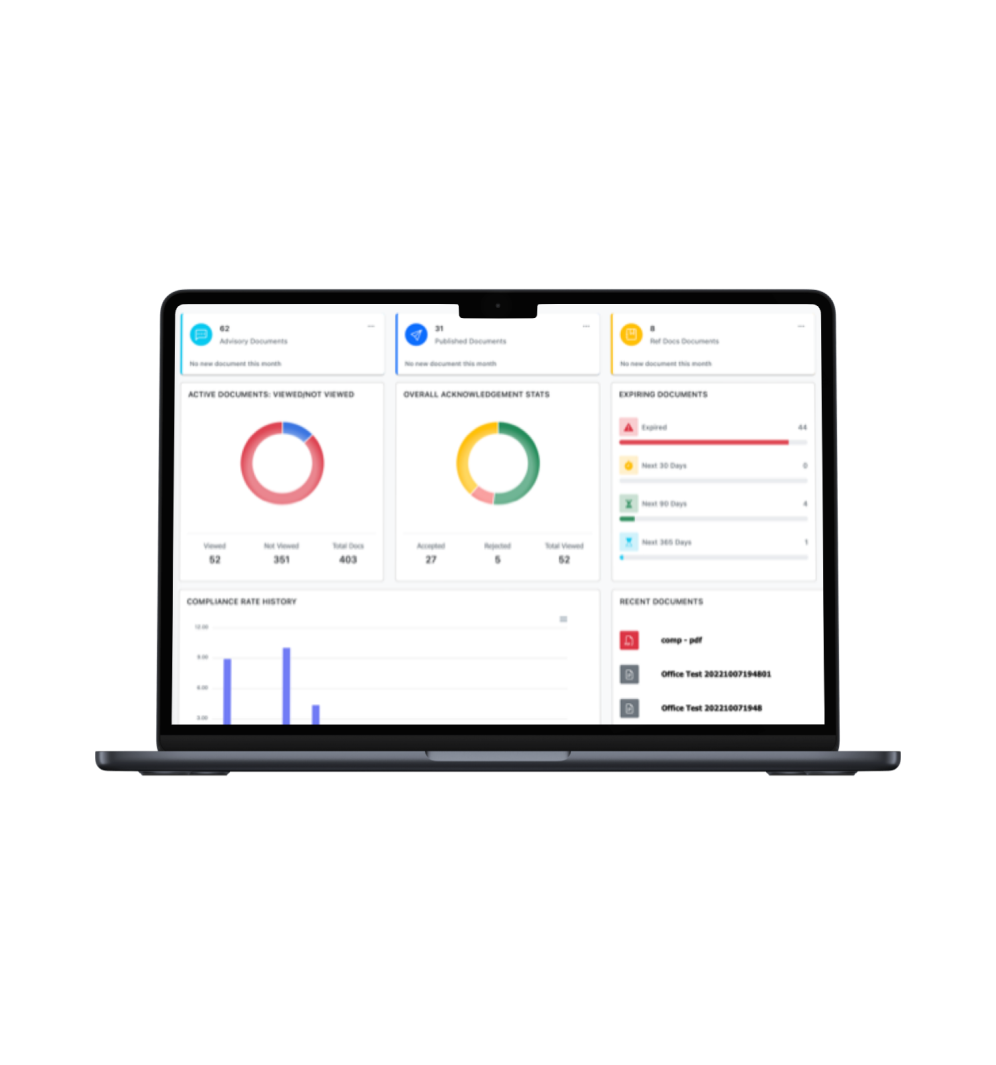
View Real-Time Dashboard Metrics. Review your dashboard graphics to make data-driven, faster, more informed decisions.
-
![Icon]()
It comes Preloaded with 29 Essential COI Questions. Simply modify our question set to suit your industry, location, and organization.
-
![Icon]()
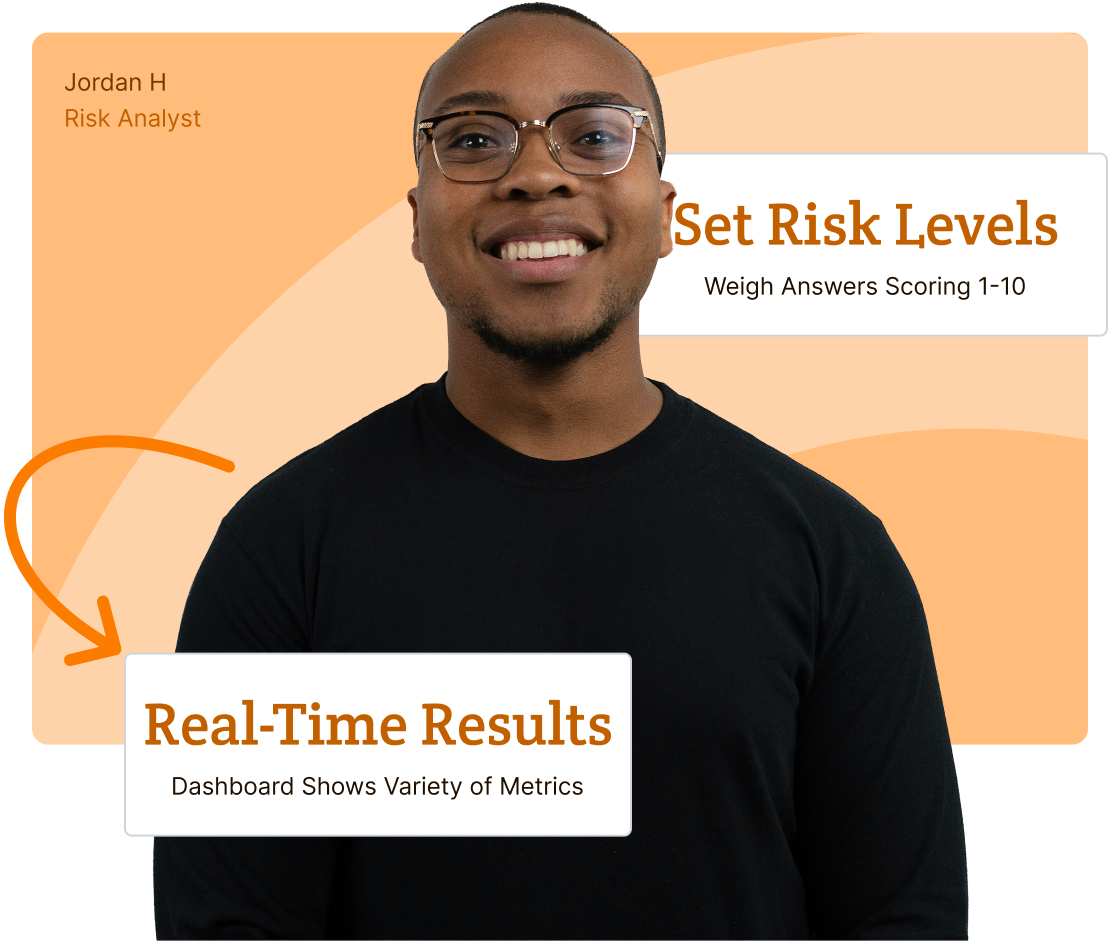
Set COI Risk Levels for Questions and Answers. Use risk levels 1-10 to flag conflicts below your settings for numerical unbiased decisions.

Boost Operational & Resource Efficiency
-
![Icon]()
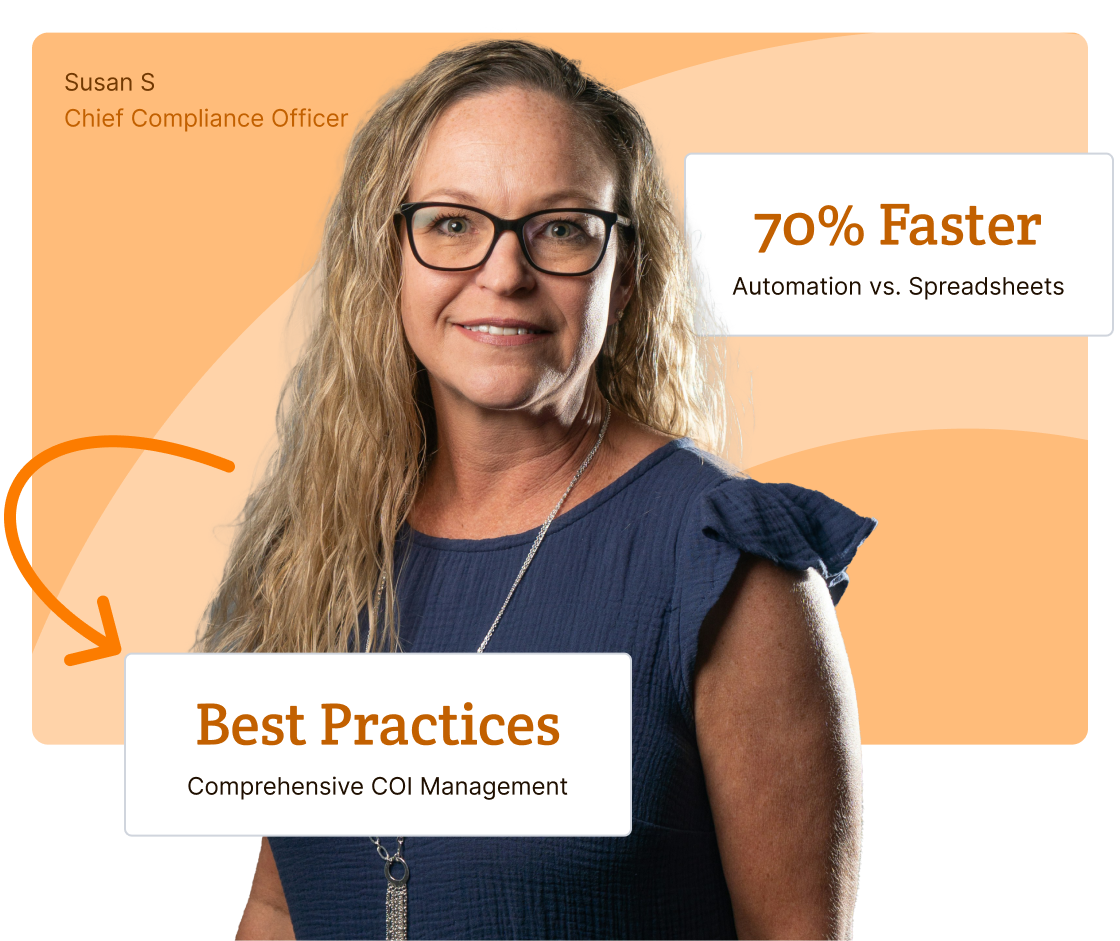
Get COI Audit Details Faster. On the first COI audit, use secondary & tertiary questions with text responses for detailed results.
-
![Icon]()
Get Results Quicker. Automate notifications, reminders, and escalate to supervisors to get users to submit COI question sets faster.
-
![Icon]()
Streamline and Control Distribution. Set automated controls to distribute to individuals, multiple groups, and locations simultaneously.
-
![Icon]()
Audit-Proof COI Audits. Our Document Management System (DMS) never deletes an event, user, activity, question set, or audit.

Streamline COI Management Lifecycle
-
Simplified automation with comprehensive features are designed to speed up your processes and ensure compliance at every stage.
![Feature Icon]()
-
Our customizable, preloaded "29 Essential COI Questions" are designed to help you copy, edit, and save for various groups and locations.
![Feature Icon]()
-
Our 1:1 dedicated support set-up and organize COI questions sets, and help you navigate the entire COI Management journey.
![Feature Icon]()
-
You get your own dedicated database with top-tier, multi-layered cyber security with regular penetration testing and U.S. server daily backups.
![Feature Icon]()


Create COI Questions Fast & Easy
Customize preloaded "29 Essential COI Questions" for various groups and locations. Set risk levels from 1-10 to flag and numerically prioritize conflict mitigation.

Create Distribution Lists
Develop targeted distribution lists for individuals, departments, groups, and locations to send simultaneously.

Automate Reminders
Set automatic COI publish dates/times with due dates for specific groups and automatic reminders.

Dashboard With Real-Time Results
View Dashboard real-time graphics and drill down for specifics. You can see COI answers before they are submitted.

Make Management Decisions With Unbiased Data
After analysis, make unbiased, numerical data-driven decisions to investigate and resolve conflicts quickly.
Create Customized COI Question Sets: With pre-loaded "29 Essential COI Questions," you can still create, save, copy, and revise COI questionnaires. Set risk levels (1-10) for questions and answers to flag conflicts using unbiased numerical data. Tailored question sets for specific groups optimize efficiency, save time and resources, and enhance compliance for COI audits.
-
It only takes about a minute to create a question, but comes pre-loaded with customizable 29 Essential COI Questions.
![Icon Image]()
-
Questions can be made up of multiple question styles including multiple choice, open-ended text responses, true/false and yes/no answers.
![Icon Image]()
-
Set your own risk levels from 1-10 for questions and answers to flag conflicts below your levels with numerical unbiased support to prioritize migrations plans.
![Icon Image]()
-
Get conflict details faster using conditional secondary and tertiary text questions to gain more context for your analysis.
![Icon Image]()
-
Develop a question set for one group, save, copy, and make minor revisions tailored to another department, group, or location
![Icon Image]()
-
Clarify questions by attaching links to conflict policies, and reference documents.
![Icon Image]()
Determine Automated Distribution: Create multiple distribution groups with various COI questionnaires for departments, locations, and functional groups. Send to individuals, multiple groups, and locations simultaneously.
-
Create multiple distribution groups with various COI questionnaires for departments, locations, and functional groups.
![Icon Image]()
-
Send COI questionnaires to individuals or multiple groups, divisions, and locations simultaneously.
![Icon Image]()
-
Within distribution groups, you can target sub-groups, and individual users.
![Icon Image]()
-
Set automated notification and due date schedules within distribution groups including reminders.
![Icon Image]()
-
Automatically link conflict policies or reference documents within distribution groups.
![Icon Image]()
Move The Process Along With Automated Reminders: Our automated notifications, reminders, and escalations to supervisors expedite COI audits, ensuring full participation at every level. This enhances compliance efficacy and improves data quality to protect your organization.
-
Set automatic distribution dates/times that notify users of due dates/times.
![Icon Image]()
-
Set automatic reminders to keep the process moving.
![Icon Image]()
-
Escalate notices to supervisors to request their employee to respond.
![Icon Image]()
Analyze Dashboard Graphic Results in Real-Time: View results and drill down to identify conflicts requiring mitigation plans. Set risk levels (1-10) for automatic flagging conflicts to your settings, while enabling precise, unbiased, numerical data-driven analysis. This functionality ensures timely intervention and proactive conflict management.
-
View dashboard for real-time results and drill down to identify conflicts with details.
![Icon Image]()
-
Use various question types with risk levels set to 1-10, flagging risks according to your settings for numerical, unbiased prioritization of conflicts.
![Icon Image]()
-
Use secondary and tertiary conditional questions with text answers to get details of conflict on your first questionnaire.
![Icon Image]()
-
See what each respondent has or has not answered any question even before they have submitted their questionnaire.
![Icon Image]()
-
Create customizable reports and export data to use your current reports in other applications.
![Icon Image]()
-
Get Data-on-Demand for standard, automated reports.
![Icon Image]()
-
Export results into Excel using CSV files to do further analysis in other applications.
![Icon Image]()
Management Actions: Your customized reports with set risk levels flag conflicts below your threshold. This data-driven numerical approach supports and enhances unbiased decision-making, strengthens compliance, and ensures proactive conflict resolution for faster and better risk management.
Incident Management Reports: Use our ready-made Incident Report (IR) form with an adaptive workflow to assign conflict investigation sections to individuals. Then, continue refining the workflow so that the appropriate individuals can review the finalized IR that documents and records all issues of the conflict, speeding resolution, maintaining accountability, and ensuring transparency.
Corrective Action Plan: Upon reviewing the finalized Incident Report investigation on the conflict, use our ready-made Corrective Action Plan (CAP) form to create a collaborative workflow with the appropriate individuals to develop, edit, and approve the finalized CAP. Continue adapting the workflow with the appropriate individuals to assign, resolve, and monitor actions. Once completed, the CAP presents monitored information to help management define and take the appropriate actions for conflict resolution. All CAP information is recorded to ensure audit-proof readiness and the ability to respond to additional issues.
-
Make data-based, numerical, unbiased decisions based upon your flagged conflict answers by setting your own COI Risk Levels (1-10).
![Icon Image]()
-
Export results into Excel using CSV files to do further analysis in other applications for your current reports.
![Icon Image]()
-
See a log of system-events and most recent activity of all users.
![Icon Image]()
-
Your own database has all employee COI questionnaires and answers to each question giving you proof of due diligence for audits.
![Icon Image]()
-
Speed conflict resolution, maintain accountability, and ensure transparency with our "Incident Management Reports" to investigate and document facts.
![Icon Image]()
-
Maintain higher compliance ratings, use "Corrective Action Plans" to document and monitor actions, ensuring audit-proof readiness for potential lawsuits.
![Icon Image]()
-
Immutable Data: We never delete COI question sets, employee questioniares, documents, users or actions
![Icon Image]()
Comprehensive COI Software: Simplified Robust Functionality With Features Tailored To You

Dashboard Real-Time Results & Customizable Reporting
View dashboard metrics for faster, informed decisions. Customize reports and export results into other applications.

Create Question Sets Fast & Easy
Create a question in about a minute using multiple choice, open-ended text responses, true/false and yes/no. Clarify questions by attaching links to reference information.

Risk Levels Give Numerical Decisions
Use various question-and-answer types with risk levels set to 1-10 that will flag issues to your settings allowing you to use numerical rationales to prioritize issue plans.

Conditional Questions Give Details
On the first COI audit, use secondary and tertiary questions with text responses for detailed context to gain more understanding for your first analysis.

Create New COI Audits Quickly
To help simplify the process for multiple COI audits, develop a question set for one group, save, copy, and make revisions tailored to another department, group, or location.

Automatic Reminders & Renewals
Set alerts for automatic review, expiration dates, and reminder notifications to advance approvals to ensure audits remain current and move the process along.
Every Subscription Includes

Dedicated 1:1 Support
From day one, a dedicated, experienced Client Success Manager will be "hands-on" to assist you. Enjoy online training, one-on-one, or group sessions.
Onboarding Tailored to You
We personalize and brand applications, set up a dedicated database, distribution groups, and build automated adaptable workflows for your processes.
Top-Tier Cyber Security
You’ll get your own database with top-tier, multi-layered cyber security with regular penetration testing and daily backups on state-of-the-art U.S. servers.
Additional Services
If you have unique requirements, our development resources are on standby to help scope the work to your specific needs, plan out a detailed implementation timetable, and then work with you to customize your products.

Database & SSO
Enable SSO authentication and sync data from Active Directory and many others to your own dedicated database.

Branded Public Portals
Develop and design a public site that has your logo and same branded "tone, look and feel" of your organization.

Custom Dashboards
Create a variety of customized data reporting graphics to help you make quicker and better decisions.

Project Management
Our CSM's will help you set-up, but they can also do ad hoc services such as batch importing and document organization.
We Wrote the Book on Compliance Software.
Let Us Write Your Chapter.
See our product in action with your own 1:1 demo. Let us know what is most important to your organization, and we’ll tailor the demo to your exact needs.


Get Access to Over 100's Chapters in Our GRC Management Book
Gain instant access to our collection of articles. Tailored for diverse needs, these articles are your go-to resource for all phases of GRC management. Get started by providing your information below.
Let’s Write Your Next Chapter

How Effective Policy Implementation Increases Employee Engagement
How a policy reaches people shapes what happens next. A policy that arrives without context, explanation, or follow-up tends to…
Read More
Best Practices for Higher Education Policy and Procedure Management
There are over 4,000 institutions of higher learning in the United States, and probably just as many different approaches to…
Read More
Why Policy and Procedure Compliance Matters
Most organizations have a policy and procedure for pretty much everything. Harassment. Data security. Time off. Expense reporting. The list…
Read More
ComplianceBridge Expands Platform Into Full GRC Management Suite
STATELINE, NEVADA — May 21, 2026 — ComplianceBridge®, a leader in cloud-based policy management and compliance software, is excited to…
Read More
How Conflict of Interest Disclosure Software Speeds Up the Process
Conflict of interest disclosure is an absolutely critical risk mitigation process for all organizations, corporations, and institutions. Unfortunately, COI disclosure…
Read More
ComplianceBridge Announces Policy Management Release 5.0
STATELINE, NEVADA — APRIL 29, 2026 — ComplianceBridge®, a leader in cloud-based policy management and risk assessment products, is excited…
Read More
How to Standardize Management Policies and Procedures Across Departments
A company operates much like a living organism—made up of many interconnected systems all aligned with a central mission. Finance,…
Read More
Implementing Effective COI Training in the Workplace
Even when you and your employees have the best of intentions, conflicts of interest (COI) can fester in your workplace…
Read More
Why Email Isn’t Enough: The Case for Policy Acceptance Software
One of the biggest hurdles in the lifecycle of a new business policy is the process of effectively communicating that…
Read More
The Hidden Costs of Not Using a Policy Management Tool
Imagine a family planning a trip to Six Flags with the goal of riding as many rides and enjoying as…
Read MoreFrequently Asked Questions
- What is a conflict of interest?
A conflict of interest occurs when an individual’s personal interests could interfere (or appear to interfere) with their professional responsibilities or decision-making. This doesn’t always mean wrongdoing has occurred. Rather, the issue is the potential for bias. For example, an employee might have a financial stake in a vendor, a personal relationship with a contractor, or outside employment that competes with company interests.
For organizations, unmanaged conflicts of interest create regulatory exposure, financial risk, and ethical concerns. That’s why many companies formalize disclosure processes and require employees to regularly attest to potential conflicts.
- What is COI management and why does it matter for compliance?
COI management refers to the structured process organizations use to collect disclosures, review potential conflicts, document mitigation decisions, and monitor ongoing risk.
In regulated industries especially, simply having a conflict of interest policy isn’t enough. Regulators and auditors often expect proof that disclosures are collected consistently, reviewed appropriately, and addressed when necessary. Without a formal management process, conflicts may go undisclosed, unresolved, or undocumented—all of which create compliance exposure.
COI management matters because conflicts of interest can impact procurement decisions, vendor relationships, hiring practices, research integrity, and financial reporting. When managed properly, organizations can demonstrate transparency and oversight. When managed informally, even the appearance of bias can lead to reputational damage or regulatory scrutiny.
A structured COI management system such as ComplianceBridge ensures disclosures are not just collected, but tracked, reviewed, and defensible if questioned later.
- When does a conflict of interest occur?
A conflict of interest occurs when someone’s personal relationships, financial interests, outside employment, or other commitments have the potential to influence their professional judgment. It does not require intentional misconduct. A conflict exists the moment personal and professional interests overlap in a way that could affect a decision, create bias, or raise concerns about fairness.
Most organizations define conflicts broadly because even the appearance of influence can create problems. For example, selecting a vendor you have a financial connection to, participating in a hiring decision involving a family member, or making recommendations that benefit an outside business you are involved in can all present conflicts.
Identifying these situations early is essential because unmanaged conflicts can lead to compliance findings, damaged trust, or questions about the integrity of internal decisions.
- How can I improve compliance with COI management software?
COI management software improves compliance by giving employees a clear, consistent way to submit disclosures. When the process is straightforward and centralized, participation rises and far fewer disclosures get overlooked.
It also improves the quality of reviews. Automated routing makes sure each disclosure goes to the correct reviewer, and standardized forms ensure everyone provides the information needed to evaluate a potential conflict. This eliminates the inconsistency that comes from relying on emails or informal conversations.
ComplianceBridge makes this process easier to manage by organizing disclosures, review decisions, and documentation in one system. Teams can quickly see what has been submitted, what is still pending, and where additional action is needed. That level of clarity reduces delays and prevents issues from slipping through the cracks.
- How can we prevent and manage conflicts of interest?
Preventing and managing conflicts of interest starts with clear policies and consistent disclosure requirements.
Employees should understand what constitutes a conflict and when disclosure is required. From there, organizations need a reliable way to collect disclosures, evaluate risk, document decisions, and monitor mitigation plans over time.
Manual processes often fail because they rely on self-reporting without oversight or centralized tracking. A structured COI management system improves transparency, reinforces accountability, and ensures conflicts are reviewed consistently across departments.
- How do you report a conflict of interest in the workplace?
Reporting a conflict of interest typically involves disclosing the situation through an established internal process, such as an ethics hotline, HR reporting channel, or formal disclosure form.
In well-structured programs, employees submit disclosures through a secure system where compliance or legal teams can review and determine appropriate next steps. The key is creating a process that encourages transparency without fear of retaliation.
Organizations that provide clear reporting channels and automated tracking tools tend to see higher disclosure rates and fewer compliance surprises.
- What is a conflict of interest policy?
A conflict of interest policy is a formal document that defines what constitutes a conflict, outlines disclosure requirements, and explains how conflicts will be reviewed and managed.
It typically describes examples of potential conflicts, reporting expectations, investigation procedures, and consequences for non-disclosure. More importantly, it sets the ethical standard for the organization.
However, a written policy alone is not enough. Effective COI programs combine policy documentation with active monitoring, employee attestations, and structured review processes to ensure the policy is consistently enforced.