
Internal Audit Software
Optimize Audits with ComplianceBridge's Internal Audit Software. Robust. Automated. Simplified Features Customized To You.
Request Demo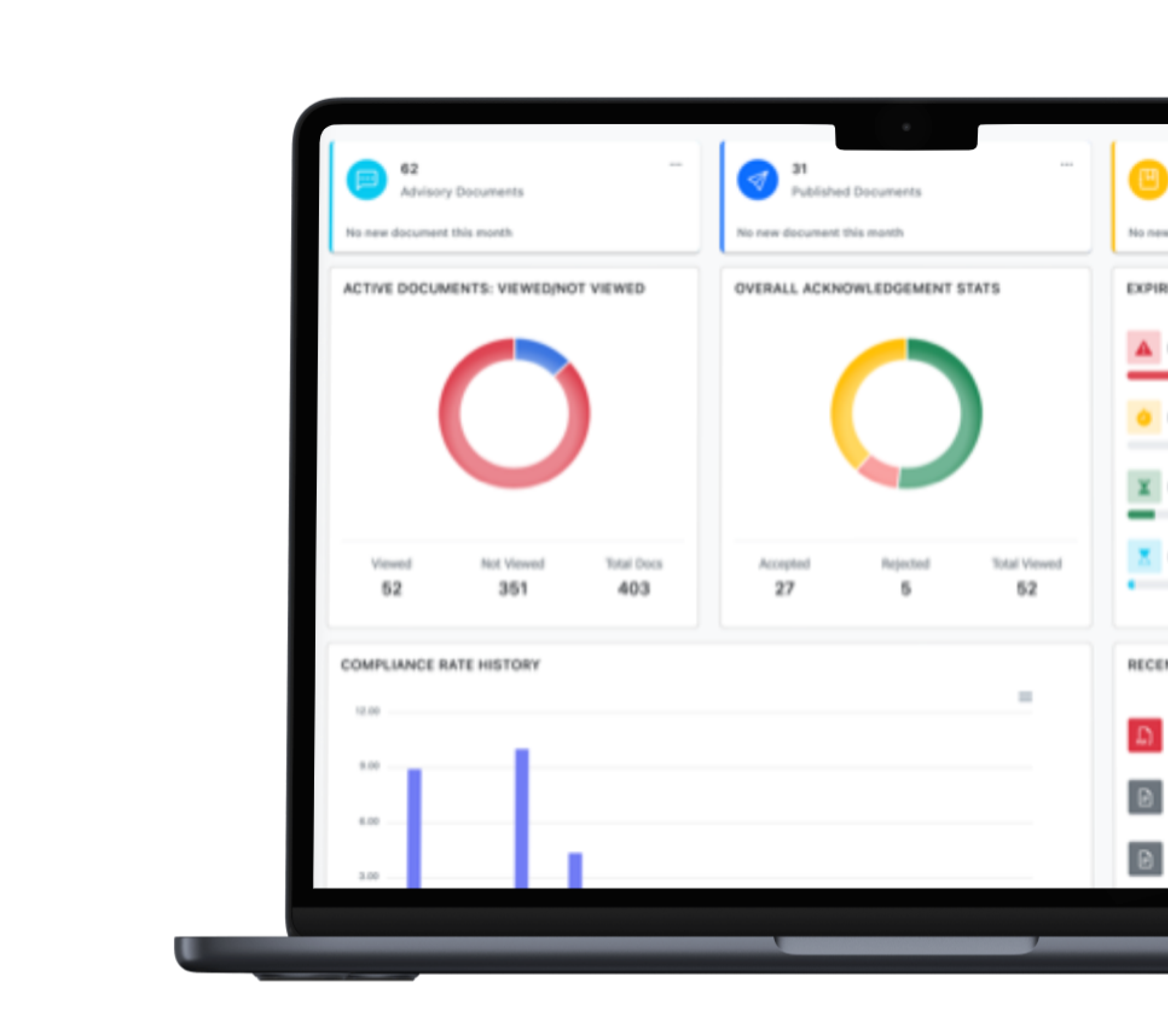
Conduct Better and More Audits Quicker
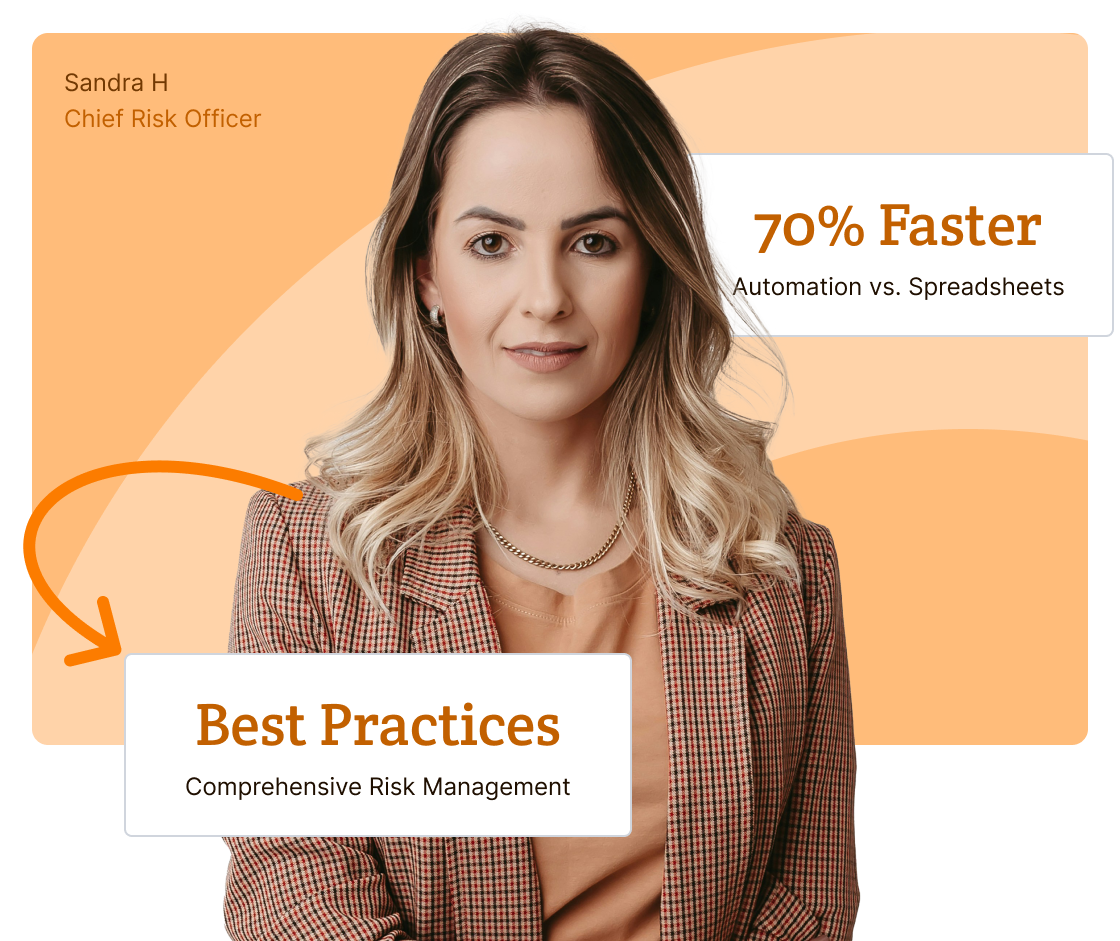
Replace your spreadsheets with automated Internal Audit Software, giving you significant time and resource savings. Is this you?
-
![Feature Image]()
Do you spend countless hours reviewing audits for potential issues using spreadsheets?
-
![Feature Image]()
Have you missed identifying issues in the past and faced consequences?
-
![Feature Image]()
Are you absolutely certain your audit management processes and data will stand up to a regulatory or compliance audit?


Comprehensive Internal Audit Software Tailored to You
-
![Icon]()
We Tailor Automation to You. Customizable workflows and comprehensive features simplify your way of doing business.
-
![Icon]()
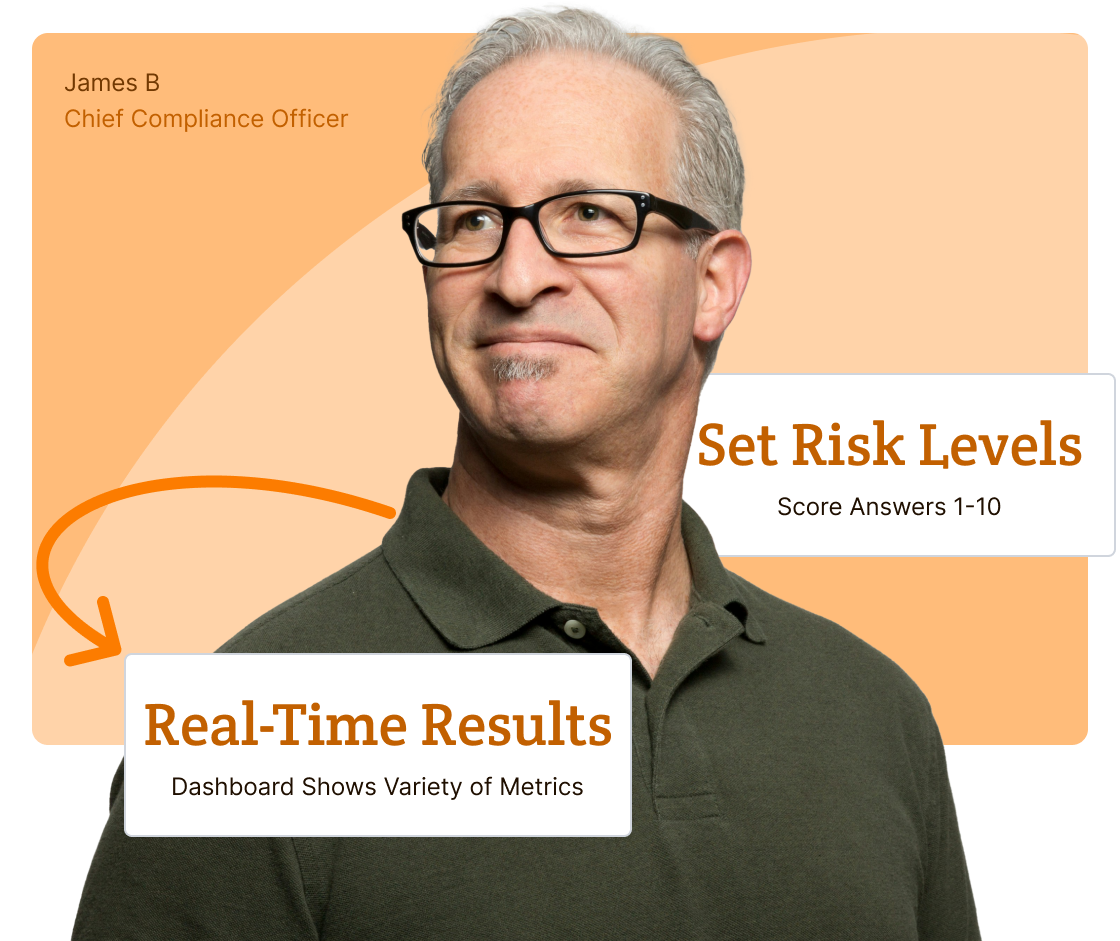
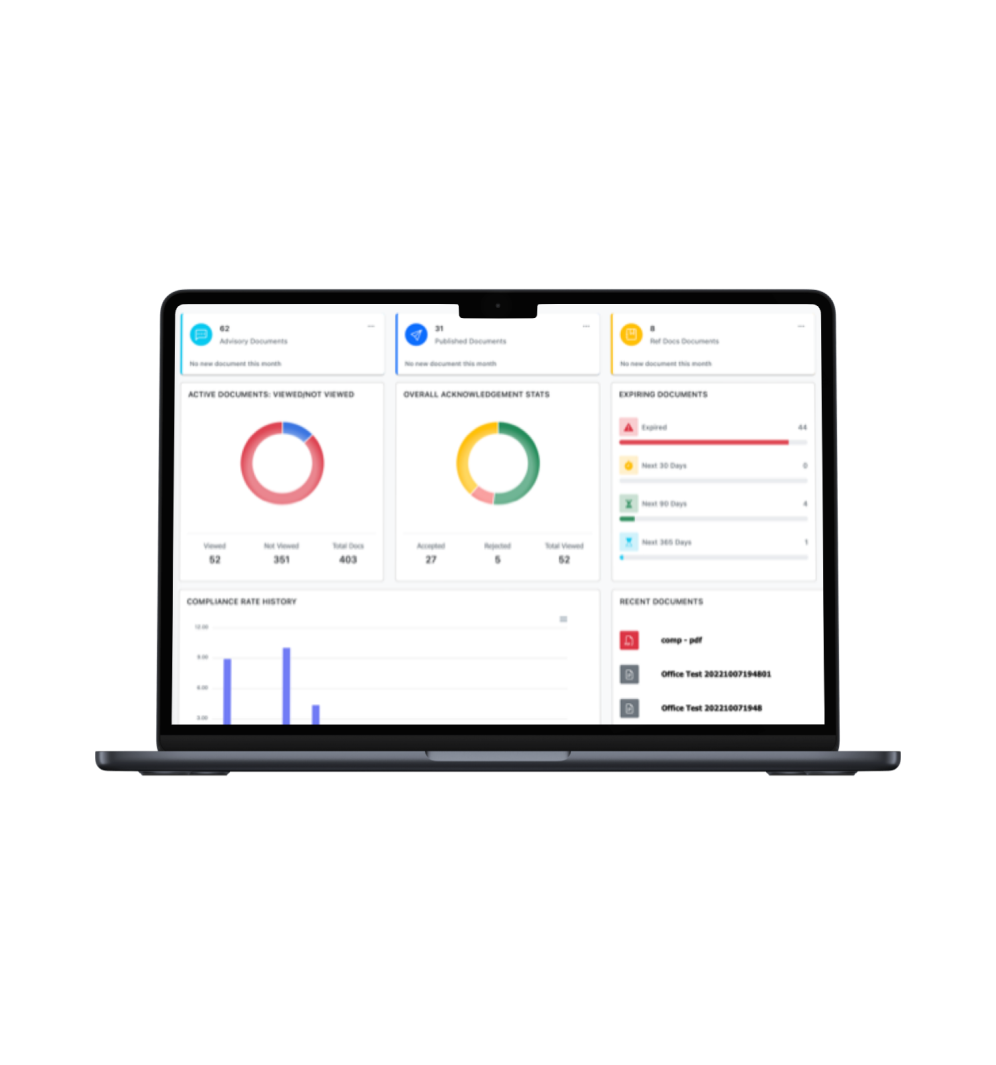
View Real-Time Dashboard Metrics. Review your dashboard graphics to make data-driven, faster, more informed decisions.
-
![Icon]()
Simply Audit Creation. Accelerate drafting, collaboration, and approval processes on one centralized question set.
-
![Icon]()
Set Issue Levels for Questions and Answers. Use risk levels 1-10 to flag risks below your settings for numerical unbiased decisions.

Enhance Operational and Resource Efficiency
-
![Icon]()
Get Audit Details Faster. On the first audit, use secondary & tertiary questions with text responses for detailed results.
-
![Icon]()
Get Results Quicker. Automate notifications, reminders, and escalate to supervisors to get users to submit their question sets faster.
-
![Icon]()
Streamline and Control Distribution. Set automated controls to distribute to individuals, multiple groups, and locations simultaneously.
-
![Icon]()
Audit-Proof Audits. Our Document Management System (DMS) never deletes an event, user, activity, question set, or audit.
Streamline the Audit Management Lifecycle
-
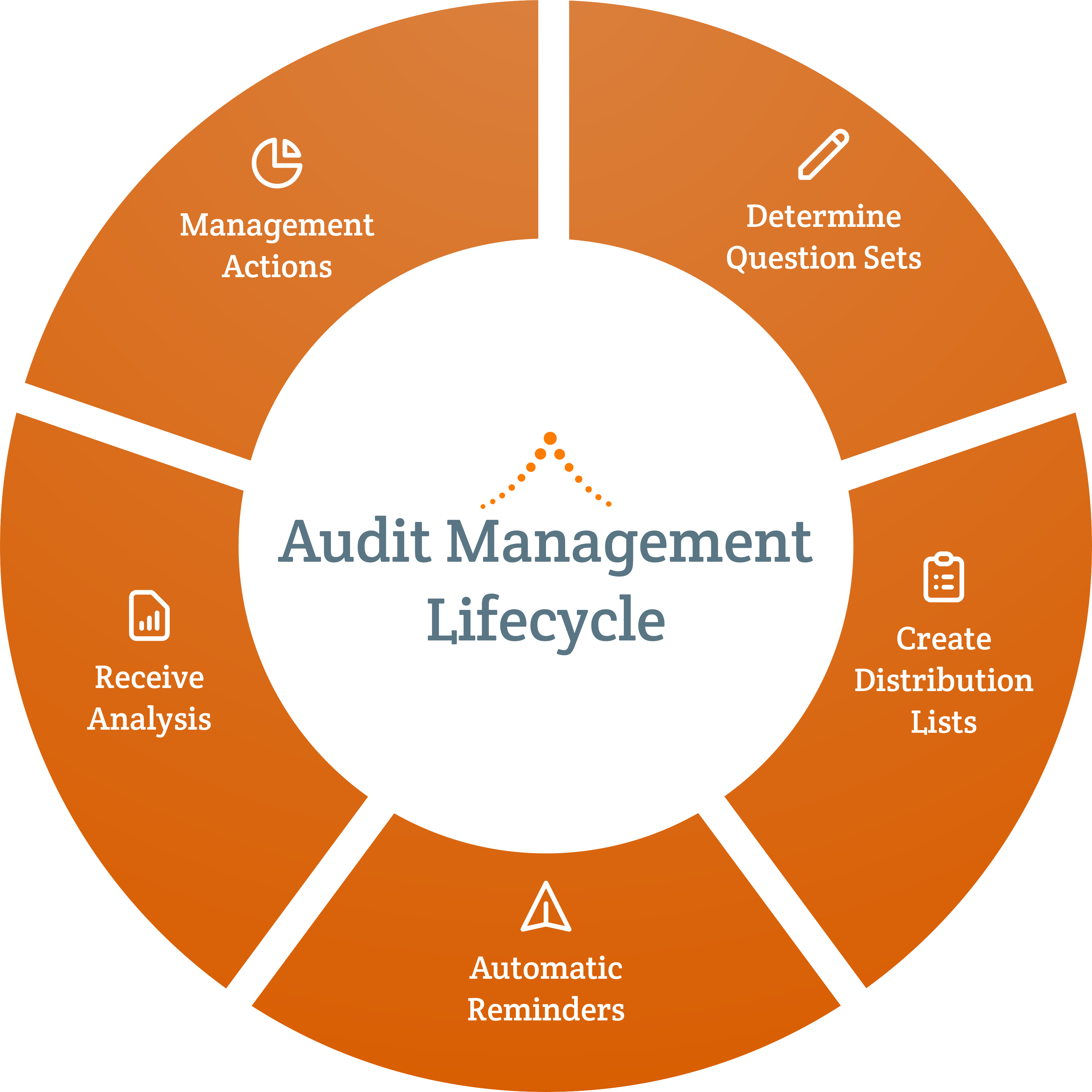
Simplified automation with comprehensive features are designed to speed up your processes and ensure compliance at every stage.
![Feature Icon]()
-
Our customizable question sets are engineered to help you create, copy, edit, update, and save for various groups, departments, and offices.
![Feature Icon]()
-
Our 1:1 dedicated support set-up workflows, organize audits and questions sets, and help you navigate the entire Audit Management journey.
![Feature Icon]()
-
You get your own dedicated database with top-tier, multi-layered cyber security with regular penetration testing and U.S. server daily backups.
![Feature Icon]()


Create Questions with Risk Levels
Create, save, copy, and revise audit questionnaires. Set risk levels from 1-10 to prioritize issue mitigation.

Create Distribution Lists
Develop targeted distribution lists for individuals, departments, groups, and locations to send simultaneously.

Automate Reminders
Set automatic publish dates/times with due dates for specific groups, and automatic reminders.

View Dashboard To Analyze Results in Real-Time
View Dashboard graphics for results and drill down for specifics. You can see the answers before they are submitted.

Make Management Decisions With Unbiased Data
After analysis, make real-time numerical risk level data-driven decisions to quickly investigate issues and create mitigation plans.
Create Customized Audit Question Sets: Get the flexibility to create, save, copy, and revise audit questions and questionnaires and set risk levels 1-10 for questions and answers to flag your issues. Tailoring question sets to specific groups optimizes efficiency, saving time and resources while enhancing compliance for audits.
-
It only takes about a minute to create a question
![Icon Image]()
-
Questions can be made up of multiple question styles including multiple choice, open-ended text responses, true/false and yes/no answers
![Icon Image]()
-
Add conditional secondary and tertiary text questions to gain more context for your analysis
![Icon Image]()
-
Set your own risk levels from 1-10 for questions and answers to prioritize migrations plans.
![Icon Image]()
-
Develop a question set for one group, save, copy, and make minor revisions tailored to another department, group, or location.
![Icon Image]()
-
Clarify questions by attaching links to documents, policies, procedures, and reference information
![Icon Image]()
Determine Automated Distribution: Ensure swift results for your audits so you can resolve issues even faster. Streamline your assessment question sets for specialty distribution groups with due dates and automatic reminders.
-
Create and manage multiple distribution groups with various audit questionnaires for departments, locations, and functional groups
![Icon Image]()
-
Disseminate multiple audits to one or many distribution groups at a time
![Icon Image]()
-
Within distribution groups, you can target sub-groups, individual users and/or selected roles/positions to receive audit questionnaires
![Icon Image]()
-
Manage automated notification schedules within distribution groups including due dates
![Icon Image]()
-
Schedule your audit questionnaires for publishing immediately or hold the audit to be sent at your determined time
![Icon Image]()
-
Automatic link updates ensure the latest version of any policy or reference document
![Icon Image]()
-
Link distribution documents to any organizational documents, policies, procedures, and reference documents
![Icon Image]()
-
Automatic republish options keep the audit process up-to-date
![Icon Image]()
Manage Moving The Process Along With Automated Reminders: Our automation reminder notifications and escalations to supervisors get your audits completed faster. Ensure full participation at every level in the audit process, improving the efficacy of your compliance efforts and improving the data you need to protect your organization.
-
Set automatic publish dates/times with due dates for specific groups
![Icon Image]()
-
Automatically notify users and track due dates
![Icon Image]()
-
Send automatic reminders to keep the process moving
![Icon Image]()
-
Escalate notices to supervisors to request their employee to respond
![Icon Image]()
-
Add external reference materials for a more thorough audit process
![Icon Image]()
-
Immutable data: we never delete documents, users, actions, or assessments
![Icon Image]()
Analyze Dashboard Graphic Results in Real-Time: You can see results and drill down to identify potential issues necessitating timely mitigation plans. Setting risk levels 1-10 will be automatically flagged to your chosen level, allowing meticulous numerical data-driven analysis. This functionality facilitates timely intervention for risk reduction and empowers proactive risk mitigation management.
-
View real-time results and drill down to identify potential risks
![Icon Image]()
-
See what each respondent has or has not answered any question
![Icon Image]()
-
Customize Reports with real-time statistics on answers to question sets
![Icon Image]()
-
Roll-up statistics hierarchically, from group level to your organization
![Icon Image]()
-
Access a variety of reports and see results in real-time
![Icon Image]()
-
See a log of system-events and most recent activity
![Icon Image]()
-
Data on demand to write, run, and schedule automated reports
![Icon Image]()
-
Create customizable report and export data to use in currtent reports in other applications
![Icon Image]()
Management Actions: Your customized reports with set risk levels flag issues below your threshold. This data-driven numerical approach supports and enhances unbiased decision-making, strengthens compliance, and ensures proactive issue resolution for faster and better risk management.
Incident Management Reports: Use our ready-made Incident Report (IR) form with an adaptive workflow to assign investigation sections to individuals. Then, continue refining the workflow so that the appropriate individuals can review the finalized IR that documents and records all issues, speeding conflict resolution, maintaining accountability, and ensuring transparency.
Corrective Action Plan: Upon reviewing the finalized Incident Report investigation, use our ready-made Corrective Action Plan (CAP) form to create a collaborative workflow with the appropriate individuals to develop, edit, and approve the finalized CAP. Continue adapting the workflow with the appropriate individuals to assign, resolve, and monitor actions. Once completed, the CAP presents monitored information to help management define and take the appropriate actions. All CAP information is recorded to ensure audit-proof readiness and the ability to respond to additional issues.
-
Quickly export results for comprehensive analysis to identify issues, and determine next steps to manage mitigation of these risks.
![Icon Image]()
-
You get Data-on-Demand for standard and set-up customized reports
![Icon Image]()
-
Export reports to Excel and CSV to do further analysis or create reports in other applications
![Icon Image]()
-
Automate reports sent to who, what, where, and when you want
![Icon Image]()
-
Organize policies into multi-leveled table of contents and site menus
![Icon Image]()
-
Automatic link updates ensure the latest version of any policy or reference document
![Icon Image]()
-
Your own database has all completed audit questionnaires and answers to each question giving you proof of due diligence for audits
![Icon Image]()
-
Immutable data: we never delete documents, users or actions
![Icon Image]()
Comprehensive Internal Audit Software: Set Your Risk Levels To Make Numerical Unbiased Decisions

Dashboard Real-Time Results & Customizable Reporting
View dashboard metrics for faster, informed decisions. Customize reports and export results to your reports in other applications.

Create Question Sets Fast & Easy
Create a question in about a minute using multiple choice, open-ended text responses, true/false and yes/no. Clarify questions by attaching links to reference information.

Set Risk Levels To Respond Faster
Use various question-and-answer types with risk levels set to 1-10 that will flag issues to your settings allowing you to define numerical rationales to prioritize issue plans.

Conditional Questions Give Details
On the first audit, use secondary and tertiary questions with text responses for detailed context to gain more understanding for your first analysis.

Create New Audits Quickly
To help simplify the process for multiple audits, develop a question set for one group, save, copy, and make revisions tailored to another department, group, or location.

Automatic Reminders & Renewals
Set alerts for automatic review, expiration dates, and reminder notifications to advance approvals to ensure audits remain current and move the process along.
Every Subscription Includes

Dedicated 1:1 Support
From day one, a dedicated, experienced Client Success Manager will be "hands-on" to assist you. Enjoy online training, one-on-one, or group sessions.
Onboarding Tailored to You
We personalize and brand applications, set up a dedicated database, distribution groups, and build automated adaptable workflows for your processes.
Top-Tier Cyber Security
You’ll get your own database with top-tier, multi-layered cyber security with regular penetration testing and daily backups on state-of-the-art U.S. servers.
Additional Services
If you have unique requirements, our development resources are on standby to help scope the work to your specific needs, plan out a detailed implementation timetable, and then work with you to customize your products.

Database & SSO
Enable SSO authentication and sync data from Active Directory and many others to your own dedicated database.

Branded Public Portals
Develop and design a public site that has your logo and same branded "tone, look and feel" of your organization.

Custom Dashboards
Create a variety of customized data reporting graphics to help you make quicker and better decisions.

Project Management
Our CSM's will help you set-up, but they can also do ad hoc services such as batch importing and document organization.
We Wrote the Book on Compliance Software.
Let Us Write Your Chapter.
See our product in action with your own 1:1 demo. Let us know what is most important to your organization, and we’ll tailor the demo to your exact needs.


Get Access to Over 100's Chapters in Our GRC Management Book
Gain instant access to our collection of articles. Tailored for diverse needs, these articles are your go-to resource for all phases of GRC management. Get started by providing your information below.
Let’s Write Your Next Chapter

How Good Policy Underpins Great Workplace Culture
Whether it was established on purpose or by default, every workplace comes with a workplace culture. No two organizations will…
Read More
How Effective Policy Implementation Increases Employee Engagement
How a policy reaches people shapes what happens next. A policy that arrives without context, explanation, or follow-up tends to…
Read More
Best Practices for Higher Education Policy and Procedure Management
There are over 4,000 institutions of higher learning in the United States, and probably just as many different approaches to…
Read More
Why Policy and Procedure Compliance Matters
Most organizations have a policy and procedure for pretty much everything. Harassment. Data security. Time off. Expense reporting. The list…
Read More
ComplianceBridge Expands Platform Into Full GRC Management Suite
STATELINE, NEVADA — May 21, 2026 — ComplianceBridge®, a leader in cloud-based policy management and compliance software, is excited to…
Read More
How Conflict of Interest Disclosure Software Speeds Up the Process
Conflict of interest disclosure is an absolutely critical risk mitigation process for all organizations, corporations, and institutions. Unfortunately, COI disclosure…
Read More
ComplianceBridge Announces Policy Management Release 5.0
STATELINE, NEVADA — APRIL 29, 2026 — ComplianceBridge®, a leader in cloud-based policy management and risk assessment products, is excited…
Read More
How to Standardize Management Policies and Procedures Across Departments
A company operates much like a living organism—made up of many interconnected systems all aligned with a central mission. Finance,…
Read More
Implementing Effective COI Training in the Workplace
Even when you and your employees have the best of intentions, conflicts of interest (COI) can fester in your workplace…
Read More
Why Email Isn’t Enough: The Case for Policy Acceptance Software
One of the biggest hurdles in the lifecycle of a new business policy is the process of effectively communicating that…
Read MoreFrequently Asked Questions
- What are the risks and liability factors in an audit?
Audits tend to expose weak spots that daily operations may hide. Missing documentation, inconsistent processes, or incomplete records can lead to findings that carry financial, regulatory, reputational, or contractual consequences. Even small gaps can create liability when an organization cannot demonstrate how a decision was made or whether a requirement was met.
Liability doesn’t always stem from the initial finding, either. Organizations that identify gaps but cannot show they took corrective action often face greater scrutiny the second time around. Regulators and auditors treat repeat findings more seriously than first-time ones, which means the follow-through matters just as much as the audit itself.
Risk can also originate outside the organization. Vendors, contractors, and third-party partners who don’t meet the same compliance standards can create blind spots that surface during an audit, and the liability for those gaps often falls on the organization, not the vendor.
The most effective way to reduce these risks is to keep information organized and traceable. When documentation is consistent, responsibilities are clear, and corrective actions are tracked, the audit process becomes more predictable and far less disruptive.
- What is internal risk management and how do audits factor in?
Internal risk management focuses on issues that come from inside the organization rather than outside influences. These risks may include unclear procedures, inconsistent execution, errors in judgment, or communication breakdowns. Left unaddressed, they tend to compound, creating the kind of operational gaps that audits are specifically designed to surface.
Audits play a critical role in internal risk management because they provide an outside view of how work is actually being carried out. Where internal teams may normalize certain shortcuts or workarounds over time, an audit brings those patterns into focus. This makes audits a valuable tool not just for compliance, but for identifying where processes need to be strengthened before problems escalate.
A strong internal risk program doesn’t treat audits as isolated events. Instead, it uses audit findings as inputs, tracking corrective actions, monitoring whether changes hold, and building a clearer picture of where risk tends to concentrate across departments. ComplianceBridge makes this easier by keeping audit findings, corrective actions, and documentation in one place, so nothing gets lost between the audit and the follow-through.
When documentation is consistent and responsibilities are clearly assigned, both day-to-day risk management and the audit process become more predictable. Organizations that maintain that kind of structure are better positioned to catch problems early and demonstrate accountability when it matters most.
- Can I find policy management software with audit-readiness features?
Modern policy management systems make audit preparation far easier by automatically tracking each step in a policy’s lifecycle. Version edits, reviewer decisions, and employee acknowledgments are captured as part of routine workflows, creating the type of documentation auditors routinely request. Instead of collecting scattered files or recreating a timeline after the fact, organizations can present a complete and accurate record instantly.
ComplianceBridge goes further by preventing outdated documents from circulating and keeping review cycles consistent. With everything stored in one structured system, teams can show exactly how policies were maintained and communicated, which reduces audit stress and strengthens overall governance.
- Do COI management tools help with compliance audits?
Yes, and this is one of the primary reasons organizations implement them.
COI management tools like ComplianceBridge centralize disclosures, track employee attestations, document review decisions, and maintain audit trails. Instead of manually collecting forms or searching through email threads, you can quickly produce records showing who disclosed a conflict, when it was reviewed, and how it was resolved.
For organizations facing regulatory oversight, accreditation reviews, or internal audits, having a structured COI system significantly reduces last-minute scrambling and strengthens defensibility.
- How do you identify organizational risks using audits?
Audits identify organizational risks by creating a structured opportunity to compare how work is supposed to happen against how it actually happens. That gap between documented policy and real-world execution is where most organizational risk lives.
The process starts with asking the right questions. Well-designed audit questionnaires use conditional follow-up questions to get deeper context when an issue surfaces, so auditors aren’t just collecting yes/no answers, they’re building a fuller picture of where breakdowns occur and why.
From there, it’s about prioritization. ComplianceBridge assigns risk levels 1-10 to both questions and answers, so issues are automatically flagged based on severity and teams can focus their attention where it matters most. Real-time dashboard metrics then allow decision-makers to analyze results as they come in and act quickly rather than waiting until the audit is complete.
The goal isn’t just to pass an audit. It’s to use the process as a feedback mechanism that continuously improves how the organization identifies and manages risk before it becomes a larger problem.
- Why is risk and regulation compliance important?
Risk and regulatory compliance protect organizations from a wide range of consequences, including fines, legal disputes, and operational slowdowns. When compliance is managed well, the organization avoids costly corrective work and the disruptions that come from fixing issues after they’ve already caused damage. Strong regulatory adherence also demonstrates reliability to customers, partners, and oversight bodies, which strengthens long-term trust and credibility.
Internally, consistent compliance creates clarity and stability. Employees know what procedures to follow, leadership can make decisions based on accurate documentation, and teams spend less time dealing with preventable mistakes. This environment supports smoother operations and better performance overall.
It’s also worth noting that compliance isn’t a one-time achievement. Regulations evolve, and organizations that treat compliance reactively are more exposed than those that build it into day-to-day operations. Regular audits are one of the most effective ways to stay ahead of that curve, surfacing gaps before they become violations.
ComplianceBridge makes that ongoing process more manageable by centralizing audit workflows, risk tracking, and documentation in one place, so organizations aren’t starting from scratch every time requirements shift or an audit is on the horizon.