
Risk Assessment Software
ComplianceBridge's Risk Management Software delivers simplified robust automation and seamless collaboration for your organization.
Request Demo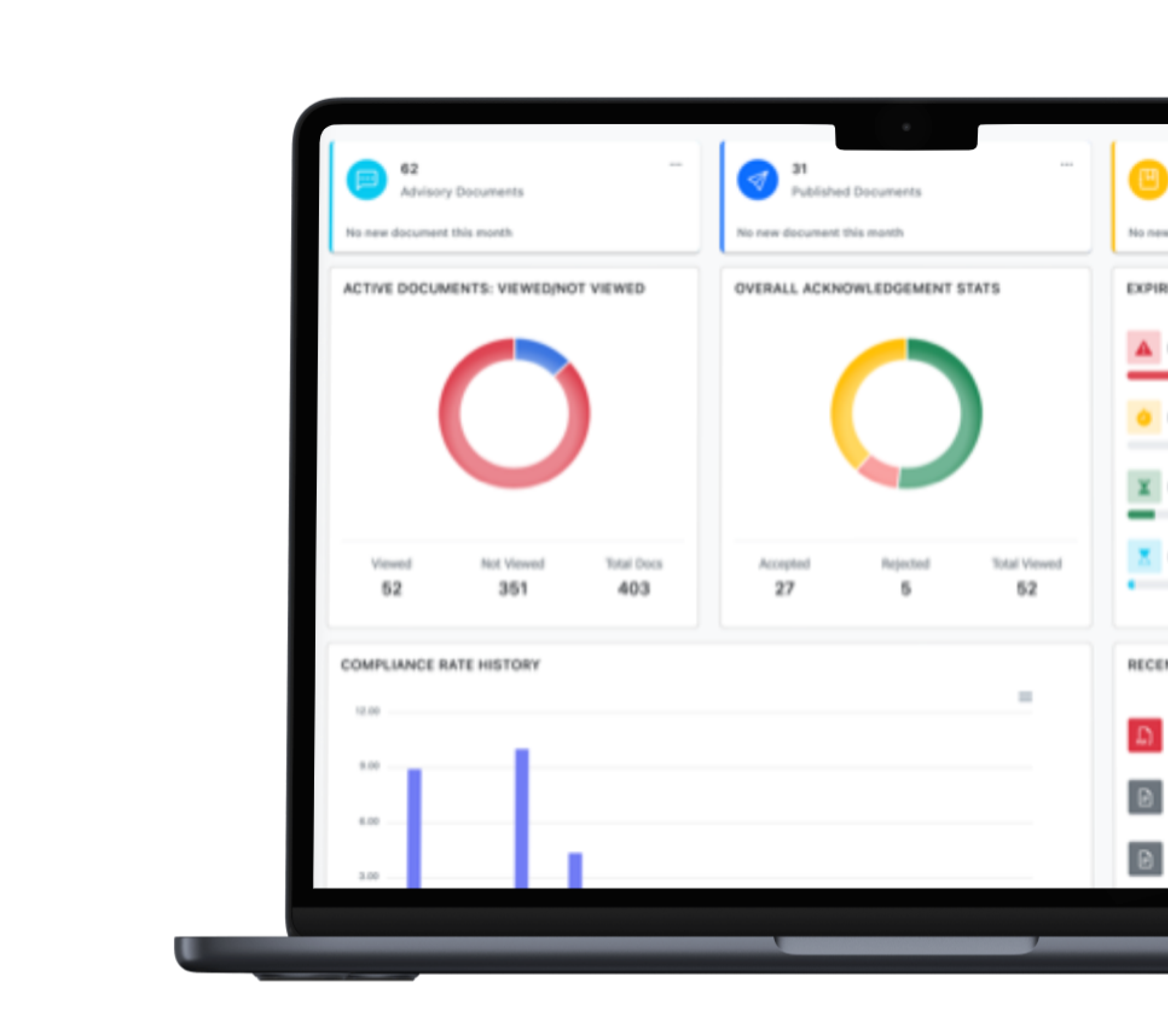
Conduct Better and More Assessments Quicker
Replace your spreadsheets with automated Risk Assessment Management Software, giving you significant time and resource savings. Is this you?
-
![Feature Image]()
Do you spend countless hours reviewing assessments for potential risks using spreadsheets?
-
![Feature Image]()
Have you missed identifying risks in the past and faced consequences?
-
![Feature Image]()
Are you absolutely certain your risk assessment processes and data will stand up to a regulatory or compliance audit?


Comprehensive Risk Assessment Management Software Tailored to You
-
![Icon]()
We Tailor Automation to You. Customizable workflows and comprehensive features simplify your way of doing business.
-
![Icon]()
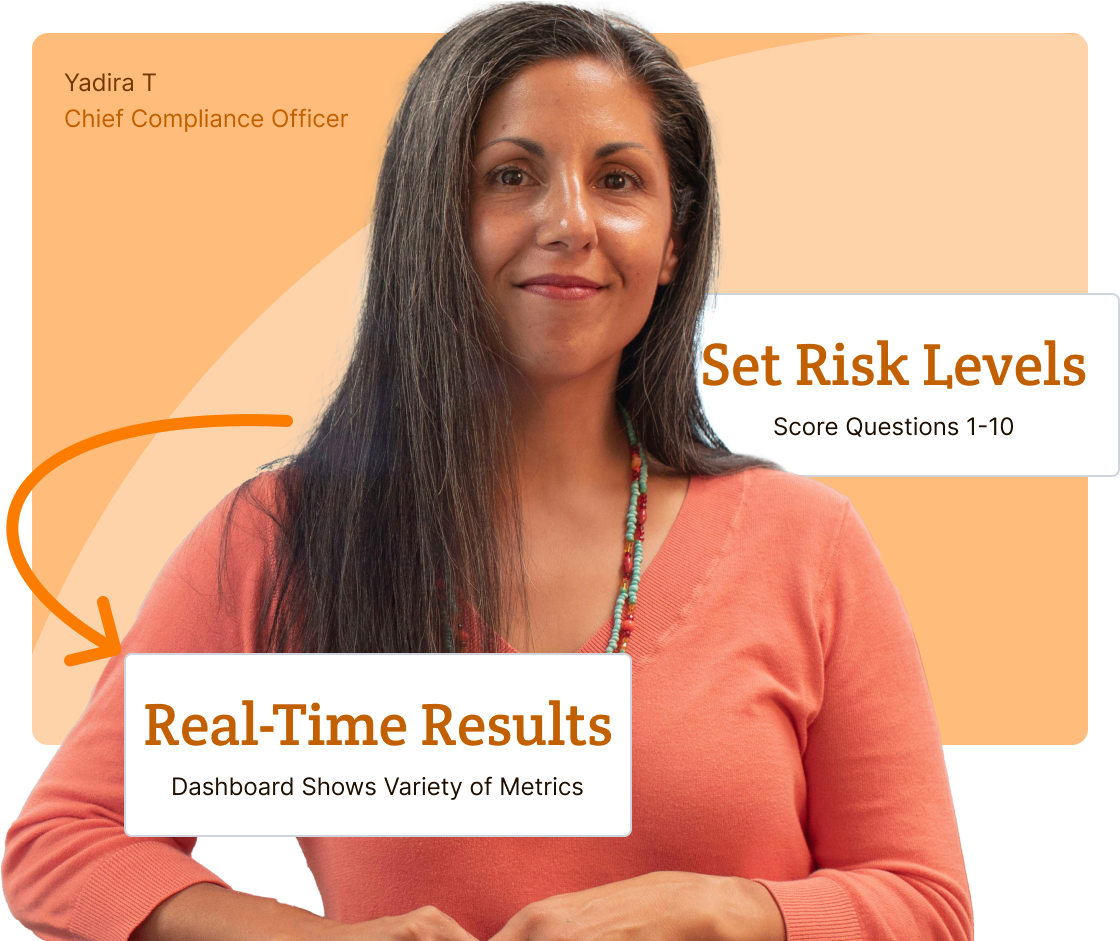
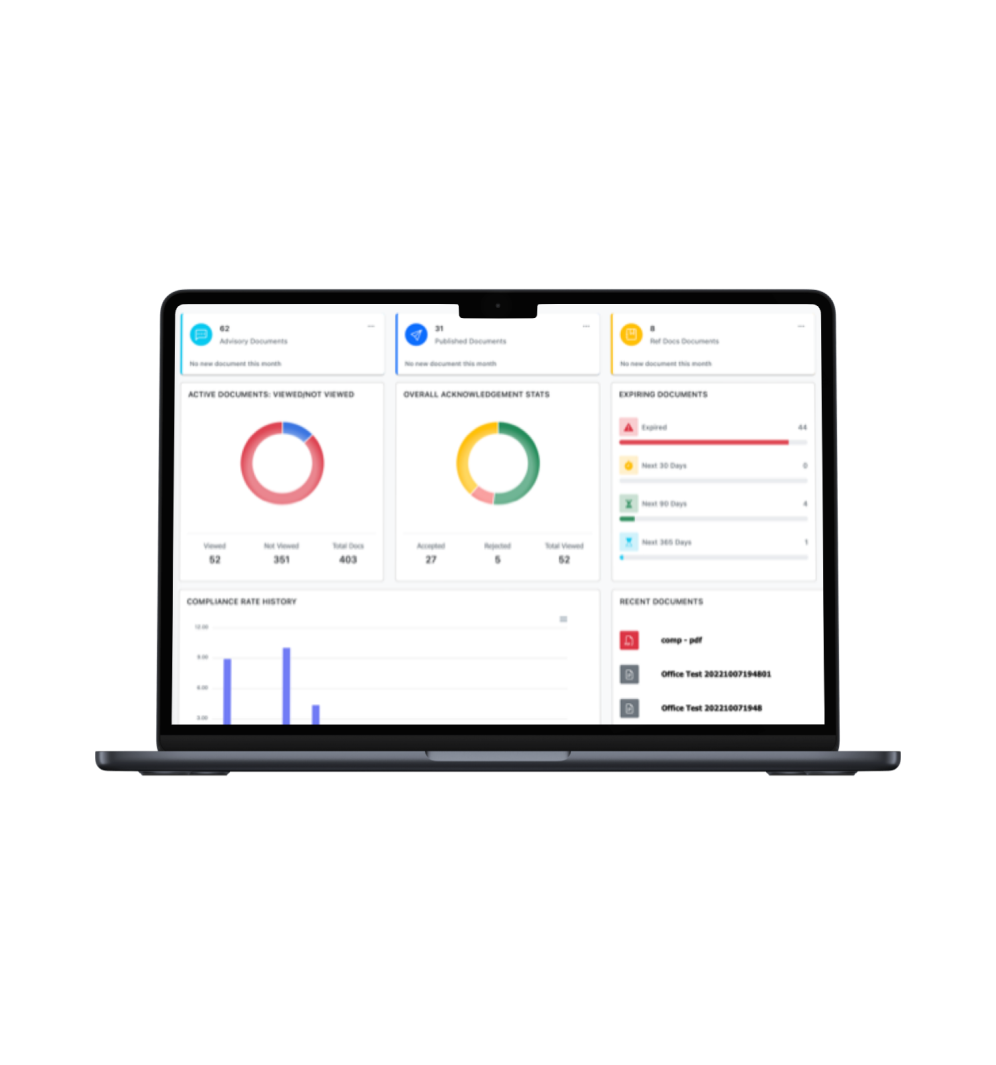
View Real-Time Dashboard Metrics. Review your dashboard graphics to make data-driven, faster, more informed decisions.
-
![Icon]()
Simply Assessment Creation. Accelerate drafting, collaboration, and approval processes on one centralized assessment.
-
![Icon]()
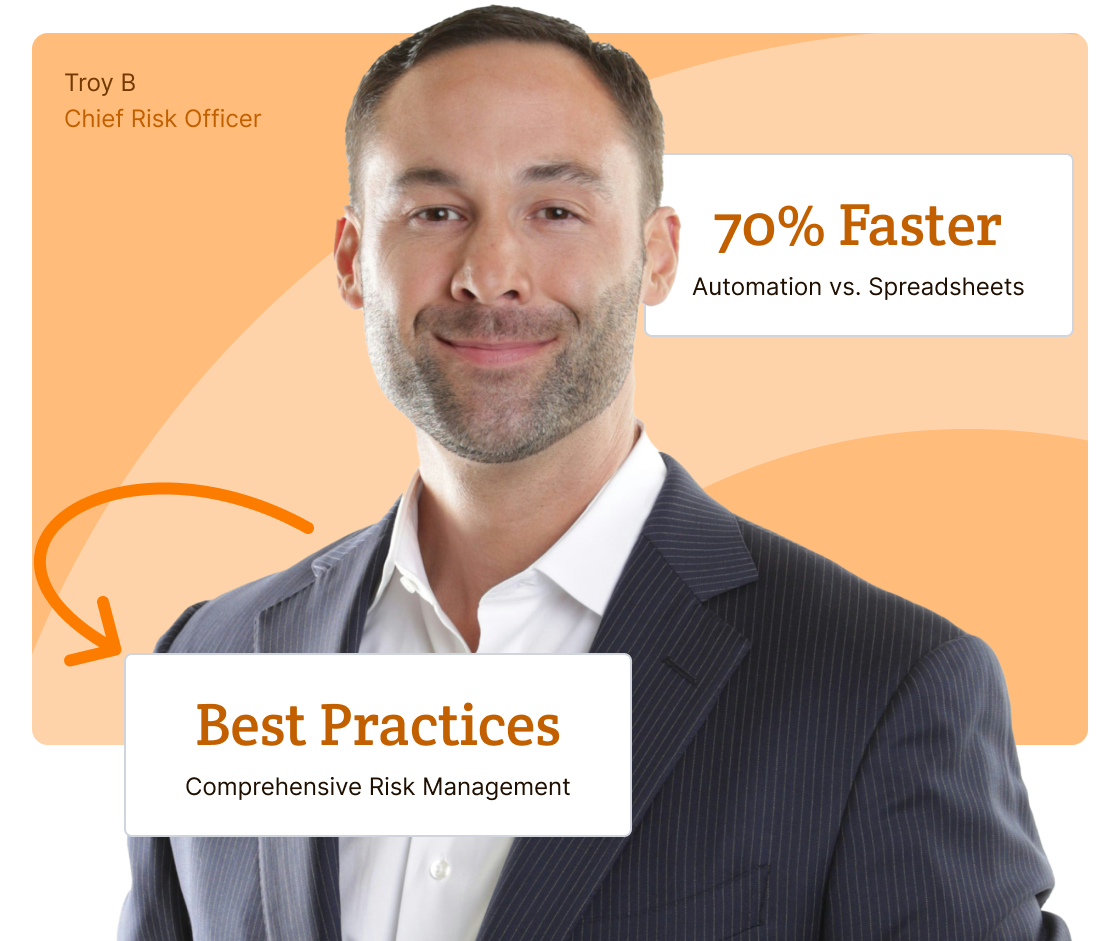
Set Risk Levels for Questions and Answers. Use risk levels 1-10 to flag risks below your settings for numerical unbiased decisions.

Boost Operation & Resource Efficiency
-
![Icon]()
Get Assessment Details Faster. On the first assessment, use secondary & tertiary questions with text responses for detailed results.
-
![Icon]()
Get Results Quicker. Automate notifications, reminders, and escalate to supervisors to get users to submit their assessments faster.
-
![Icon]()
Streamline and Control Distribution. Set automated controls to distribute to individuals, multiple groups, and locations simultaneously.
-
![Icon]()
Audit-proof assessments. Our Document Management System (DMS) never deletes an event, user, activity, document, or assessment.
Streamline The Risk Management Lifecycle
-
Simplified automation with comprehensive features are designed to speed up your processes and ensure compliance at every stage.
![Feature Icon]()
-
Our customizable question sets are engineered to help you create, copy, edit, update, and save for various groups, departments, and offices.
![Feature Icon]()
-
Our 1:1 dedicated support set-up workflows, organize assessments, and available to help you navigate the entire risk management process.
![Feature Icon]()
-
You get your own dedicated database with top-tier, multi-layered cyber security with regular penetration testing and U.S. server daily backups.
![Feature Icon]()


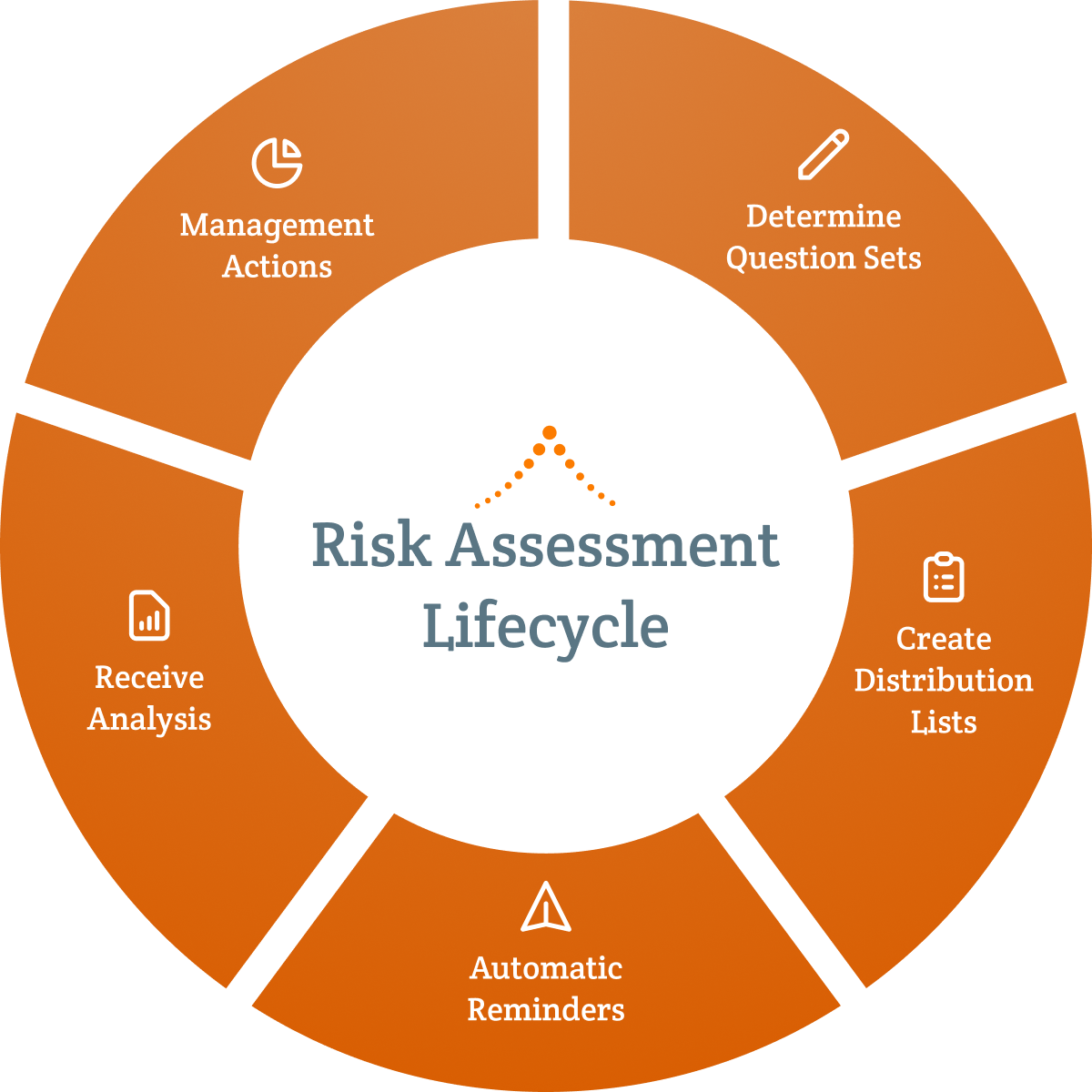
Create Assessment Questions with Risk Levels
Create, save, copy, and revise assessment questionnaires. Assign risk levels from 1-10 to questions and answers to prioritize risk mitigation.

Create Distribution Lists
Develop targeted distribution lists for individuals, departments, groups, and locations to send simultaneously.

Automate Reminders
Set automatic publish dates/times with due dates for specific groups, and automatic reminders.

View Dashboard To Analyze Results in Real-Time
View Dashboard graphics for results and drill down for specifics. You can see the answers before they are submitted.

Make Management Decisions for Actions With Unbiased Data
After analysis, make real-time, data-driven decisions to quickly investigate and create mitigation plans based on unbiased numerical risk levels.
Create Customized Risk Assessment Questionnaires: Get the flexibility to create, save, copy, and revise assessment questions and questionnaires and set risk levels 1-10 for questions and answers to flag your risks. Tailoring question sets to specific groups optimizes efficiency, saving time and resources while enhancing compliance for audits.
-
It only takes about a minute to create a question
![Icon Image]()
-
Questions can be made up of multiple question styles including multiple choice, open-ended text responses, true/false and yes/no answers
![Icon Image]()
-
Add conditional secondary and tertiary text questions to gain more context for your analysis
![Icon Image]()
-
Set your own risk levels from 1-10 for questions and answers to prioritize migrations plans.
![Icon Image]()
-
Develop a question set for one group, save, copy, and make minor revisions tailored to another department, group, or location
![Icon Image]()
-
Develop a question set for one group, save, copy, and make minor revisions tailored to another department, group, or location
![Icon Image]()
-
Clarify questions by attaching links to documents, policies, procedures, and reference information
![Icon Image]()
Determine Automated Distribution: Ensure swift results for your assessments so you can mitigate risks even faster. Streamline your assessment question sets for specialty distribution groups with due dates and automatic reminders.
-
Create and manage multiple distribution groups with various assessment questionnaires for departments, locations, and functional groups
![Icon Image]()
-
Disseminate assessments to one or many distribution groups at a time
![Icon Image]()
-
Within distribution groups, you can target sub-groups, individual users and/or selected roles/positions to receive assessment questionnaires
![Icon Image]()
-
Manage automated notification schedules within distribution groups including due dates
![Icon Image]()
-
Schedule your assessment questionnaires for publishing immediately or hold the assessment to be sent at your determined time
![Icon Image]()
-
Automatic link updates ensure the latest version of any policy or reference document
![Icon Image]()
-
Link distribution documents to any organizational documents, policies, procedures, and reference documents
![Icon Image]()
-
Automatic republish options keep the assessments process up-to-date
![Icon Image]()
Manage Moving The Process Along With Automated Reminders: Our automation reminder notifications and escalations to supervisors get your assessments completed faster. Ensure full participation at every level in the risk assessment process, improving the efficacy of your compliance efforts and improving the data you need to protect your organization.
-
Set automatic publish dates/times with due dates for specific groups
![Icon Image]()
-
Automatically notify users and track due dates
![Icon Image]()
-
Send automatic reminders to keep the process moving
![Icon Image]()
-
Escalate notices to supervisors to request their employee to respond
![Icon Image]()
-
Add external reference materials for a more thorough assessment process
![Icon Image]()
-
Immutable data: we never delete documents, users, actions, or assessments
![Icon Image]()
Analyze Dashboard Graphic Results in Real-Time: You can see results and drill down to identify potential risks necessitating timely mitigation plans. Setting risk levels 1-10 will be automatically flagged to your chosen level, allowing meticulous numerical data-driven analysis. This functionality facilitates timely intervention for risk reduction and empowers proactive risk mitigation management.
-
View real-time results and drill down to identify potential risks
![Icon Image]()
-
See what each respondent has or has not answered any question
![Icon Image]()
-
Customize Reports with real-time statistics on answers to question sets
![Icon Image]()
-
Roll-up statistics hierarchically, from group level to your organization
![Icon Image]()
-
Access a variety of reports and see results in real-time
![Icon Image]()
-
See a log of system-events and most recent activity
![Icon Image]()
-
Data on demand to write, run, and schedule automated reports
![Icon Image]()
-
Create customizable report and export data to use in currtent reports in other applications
![Icon Image]()
Management Actions: Your customized reports with set risk levels flag issues below your threshold. This data-driven numerical approach supports and enhances unbiased decision-making, strengthens compliance, and ensures proactive issue resolution for faster and better risk management.
Incident Management Reports: Use our ready-made Incident Report (IR) form with an adaptive workflow to assign investigation sections to individuals. Then, continue refining the workflow so that the appropriate individuals can review the finalized IR that documents and records all issues, speeding conflict resolution, maintaining accountability, and ensuring transparency.
Corrective Action Plan: Upon reviewing the finalized Incident Report investigation, use our ready-made Corrective Action Plan (CAP) form to create a collaborative workflow with the appropriate individuals to develop, edit, and approve the finalized CAP. Continue adapting the workflow with the appropriate individuals to assign, resolve, and monitor actions. Once completed, the CAP presents monitored information to help management define and take the appropriate actions. All CAP information is recorded to ensure audit-proof readiness and the ability to respond to additional issues.
-
Quickly export results for comprehensive analysis to identify risks, and determine next steps to manage mitigation of these risks. You can facilitate
![Icon Image]()
-
You get Data-on-Demand for standard and set-up customized reports
![Icon Image]()
-
Export reports to Excel and CSV to do further analysis or create reports in other applications
![Icon Image]()
-
Automate reports sent to who, what, where, and when you want
![Icon Image]()
-
Organize policies into multi-leveled table of contents and site menus
![Icon Image]()
-
Automatic link updates ensure the latest version of any policy or reference document
![Icon Image]()
-
Your own database has all completed assessment questionnaires and answers to each question giving you proof of due diligence for audits
![Icon Image]()
-
Immutable data: we never delete documents, users or actions
![Icon Image]()
Comprehensive Risk Assessment Software: Simplified Robust Functionality With Features Tailored To You

Dashboard Real-Time Results & Customizable Reporting
View dashboard metrics for faster, informed decisions. Customize reports and export results to your reports in other applications.

Create Question Sets Fast & Easy
Create a question in about a minute using multiple choice, open-ended text responses, true/false and yes/no. Clarify questions by attaching links to reference information.

Set Risk Levels To Respond Faster
Use various question-and-answer types with risk levels set to 1-10 that will flag risks to your settings allowing you to define numerical rationales to prioritize mitigate plans.

Conditional Questions Give Details
On the first assessment, use secondary and tertiary questions with text responses for detailed context to gain more understanding for your first analysis.

Create New Assessments Quickly
To help simplify the process for multiple assessments, develop a question set for one group, save, copy, and make revisions tailored to another department, group, or location.

Automatic Reminders & Renewals
Set alerts for automatic review, expiration dates, and reminder notifications to advance approvals to ensure assessments remain current and move the process along.
Every Subscription Includes

Dedicated 1:1 Support
From day one, a dedicated, experienced Client Success Manager will be "hands-on" to assist you. Enjoy online training, one-on-one, or group sessions.
Onboarding Tailored to You
We personalize and brand applications, set up a dedicated database, distribution groups, and build automated adaptable workflows for your processes.
Top-Tier Cyber Security
You’ll get your own database with top-tier, multi-layered cyber security with regular penetration testing and daily backups on state-of-the-art U.S. servers.
Additional Services
If you have unique requirements, our development resources are on standby to help scope the work to your specific needs, plan out a detailed implementation timetable, and then work with you to customize your products.

Database & SSO
Enable SSO authentication and sync data from Active Directory and many others to your own dedicated database.

Branded Public Portals
Develop and design a public site that has your logo and same branded "tone, look and feel" of your organization.

Custom Dashboards
Create a variety of customized data reporting graphics to help you make quicker and better decisions.

Project Management
Our CSM's will help you set-up, but they can also do ad hoc services such as batch importing and document organization.
We Wrote the Book on Compliance Software.
Let Us Write Your Chapter.
See our product in action with your own 1:1 demo. Let us know what is most important to your organization, and we’ll tailor the demo to your exact needs.


Get Access to Over 100's of Chapters in Our GRC Management Book
Gain instant access to our collection of articles. Tailored for diverse needs, these articles are your go-to resource for all phases of GRC management. Get started by providing your information below.
Let’s Write Your Next Chapter

How Good Policy Underpins Great Workplace Culture
Whether it was established on purpose or by default, every workplace comes with a workplace culture. No two organizations will…
Read More
How Effective Policy Implementation Increases Employee Engagement
How a policy reaches people shapes what happens next. A policy that arrives without context, explanation, or follow-up tends to…
Read More
Best Practices for Higher Education Policy and Procedure Management
There are over 4,000 institutions of higher learning in the United States, and probably just as many different approaches to…
Read More
Why Policy and Procedure Compliance Matters
Most organizations have a policy and procedure for pretty much everything. Harassment. Data security. Time off. Expense reporting. The list…
Read More
ComplianceBridge Expands Platform Into Full GRC Management Suite
STATELINE, NEVADA — May 21, 2026 — ComplianceBridge®, a leader in cloud-based policy management and compliance software, is excited to…
Read More
How Conflict of Interest Disclosure Software Speeds Up the Process
Conflict of interest disclosure is an absolutely critical risk mitigation process for all organizations, corporations, and institutions. Unfortunately, COI disclosure…
Read More
ComplianceBridge Announces Policy Management Release 5.0
STATELINE, NEVADA — APRIL 29, 2026 — ComplianceBridge®, a leader in cloud-based policy management and risk assessment products, is excited…
Read More
How to Standardize Management Policies and Procedures Across Departments
A company operates much like a living organism—made up of many interconnected systems all aligned with a central mission. Finance,…
Read More
Implementing Effective COI Training in the Workplace
Even when you and your employees have the best of intentions, conflicts of interest (COI) can fester in your workplace…
Read More
Why Email Isn’t Enough: The Case for Policy Acceptance Software
One of the biggest hurdles in the lifecycle of a new business policy is the process of effectively communicating that…
Read MoreFrequently Asked Questions
- What is the purpose of risk management?
The purpose of risk management is to identify potential threats to your organization and take structured steps to reduce their likelihood or impact.
Every organization faces risk, regulatory penalties, operational disruptions, cybersecurity threats, financial exposure, reputational damage. Risk management ensures those threats aren’t handled reactively. Instead, they are identified, evaluated, assigned ownership, and monitored over time.
If your organization operates in a regulated environment or depends on operational continuity, risk management protects both stability and credibility. It gives leadership visibility into where vulnerabilities exist and provides a clear plan for addressing them before they escalate.
- What is risk management software?
Risk management software is a system that helps organizations identify, document, evaluate, and monitor risks in a centralized platform.
If you’re currently tracking risks in spreadsheets or across disconnected documents, it can be difficult to see patterns, track mitigation efforts, or demonstrate oversight. Risk management software organizes that information in one place, assigns accountability, tracks mitigation progress, and generates reporting for leadership or auditors.
Instead of static risk lists, you gain a dynamic system that supports ongoing monitoring and decision-making.
- What is the purpose of a risk assessment?
A risk assessment is the process of identifying specific risks, analyzing their potential impact and likelihood, and determining how they should be addressed.
The purpose is not simply to create documentation — it is to prioritize. Not all risks carry the same weight. A formal risk assessment helps organizations allocate resources intelligently by focusing attention where exposure is highest.
If your organization is preparing for an audit, implementing new systems, entering a new market, or reviewing internal controls, a risk assessment provides a structured way to evaluate whether safeguards are sufficient or adjustments are needed.
- What is risk in business and how can it be assessed?
Business risk refers to anything that could interfere with an organization’s ability to operate effectively, meet its obligations, or achieve its goals. This includes operational disruptions, regulatory non-compliance, financial exposure, reputational damage, and internal breakdowns like unclear procedures or inconsistent execution. Risk is rarely isolated; one unaddressed issue can create conditions for others to develop.
Assessing risk means taking a structured look at where those vulnerabilities exist and how serious they are. Without that structure, organizations tend to rely on instinct or informal observation, which makes it easy to miss patterns that only become visible when data is collected systematically.
Prioritization is what separates useful risk assessment from a simple checklist. ComplianceBridge supports this with customizable questionnaires and risk levels 1-10 assigned to both questions and answers, automatically flagging issues by severity so teams can build mitigation plans grounded in unbiased, numerical data rather than gut feeling.
The goal isn’t just to document what’s wrong — it’s to create a clear, actionable picture of where the organization stands so leadership can make faster, better-informed decisions.
- Who is responsible for risk management in an organization?
Risk management is ultimately an organizational responsibility, not one that belongs to a single person or department. While larger organizations may have dedicated risk officers or compliance teams, the day-to-day work of identifying and managing risk is distributed across leadership, department heads, and frontline employees, each of whom has visibility into different parts of the operation.
Leadership sets the tone. When executives and managers treat risk management as a priority rather than a formality, that attitude carries through the organization, shaping how seriously teams document processes, flag issues, and follow through on corrective actions.
At the operational level, department heads and team leads are often best positioned to identify where risks exist, but they need a consistent, structured way to surface and report them. Without it, risk information stays siloed and patterns that cross departmental lines go unnoticed.
ComplianceBridge addresses this by making it easy to deploy assessments across individuals, departments, and locations simultaneously. Automated reminders keep the process moving, and real-time dashboard metrics give leadership a consolidated view of results — so nothing gets lost in a spreadsheet or an email thread.
- What are the steps in the risk management process?
The risk management process generally follows a consistent sequence, though the specifics will vary by industry, organization size, and regulatory environment.
- Identification: Gather input from the people closest to the work, review existing documentation, and look for gaps between how processes are supposed to function and how they actually do.
- Risk Assessment: Evaluate and document identified risks in a structured way. This is where a formal risk assessment takes place — systematically collecting data across departments, scoring findings, and building a clear picture of where the organization is most exposed.
- Analysis & Prioritization: Assign severity levels to findings so organizations can distinguish between issues that need immediate attention and those that can be monitored over time. Consistent, numerical scoring removes subjectivity from this process.
- Mitigation: Develop action plans, assign ownership, and track progress. Identifying risk without a clear process for resolving it leaves the organization exposed and creates liability if the same issues surface again later.
- Ongoing Monitoring: Risk isn’t static, and a single assessment only reflects conditions at a point in time. Regular reassessment keeps the organization current as operations, regulations, and external conditions change.
ComplianceBridge supports each stage of this process, from customizable questionnaires with risk levels 1-10 that surface and prioritize issues, to real-time dashboards that track results across departments, to automated reminders that keep assessments current and ensure nothing slips through the cracks.
- What is the main goal of risk management?
The main goal of risk management is to give organizations a clear, accurate picture of where they are vulnerable and the structure to do something about it before problems escalate. It isn’t about eliminating risk entirely, which is neither realistic nor necessary. It’s about understanding which risks are acceptable, which require action, and how to allocate resources accordingly.
Done well, risk management shifts organizations from a reactive posture to a proactive one. Rather than responding to problems after they’ve caused damage, teams are equipped to identify warning signs early, address root causes, and reduce the likelihood of repeat issues.
There’s also an accountability dimension. When risks are documented, ownership is assigned, and mitigation plans are tracked, the organization can demonstrate that it takes its obligations seriously to regulators, auditors, partners, and customers alike.
ComplianceBridge is built around this goal. Conditional follow-up questions dig deeper when an issue surfaces, giving leadership the context they need to understand not just what went wrong, but why. Combined with automated workflows and distribution controls, the platform ensures the right people are involved at every stage, so risk management becomes a consistent organizational habit rather than a periodic scramble.